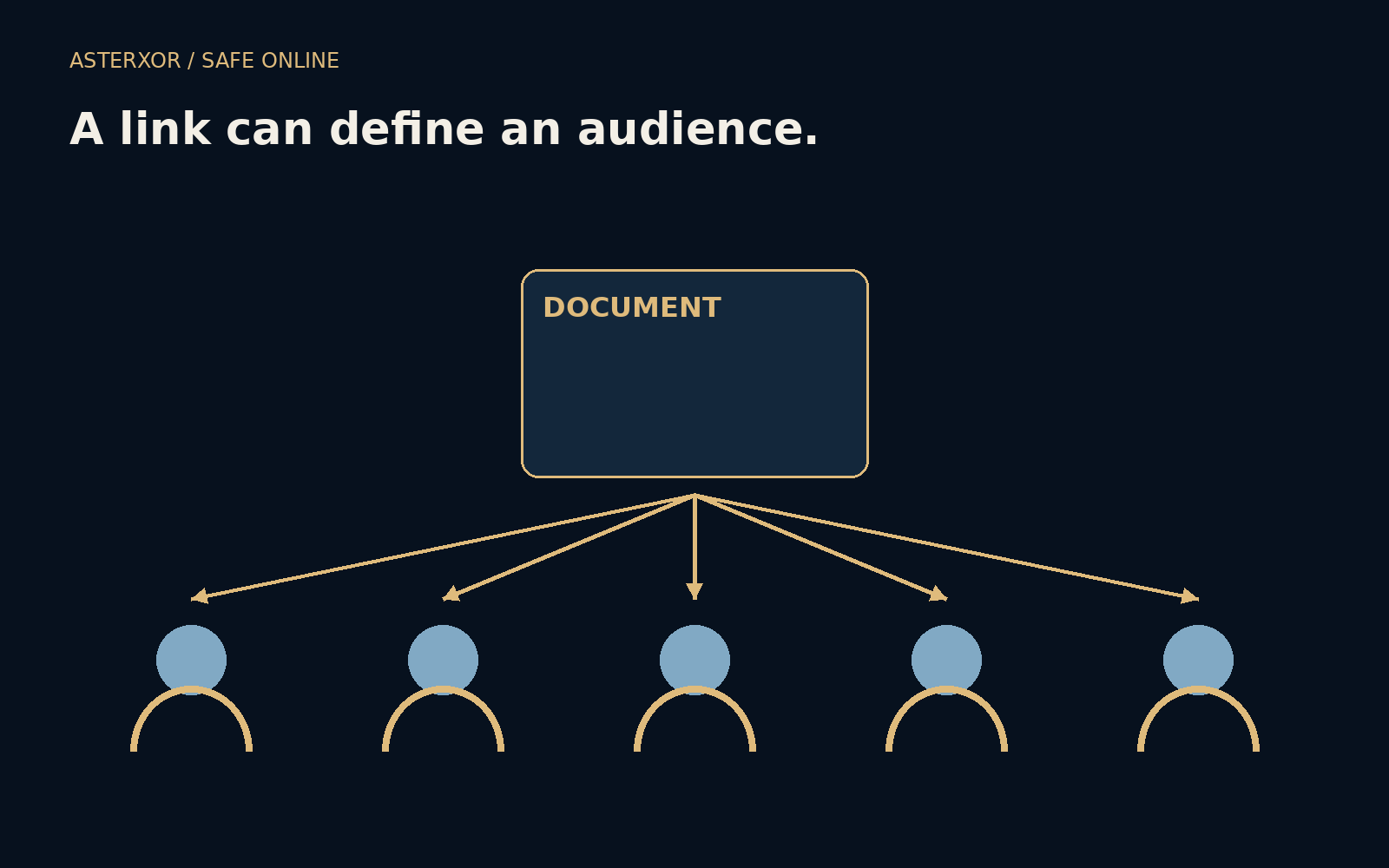
If the link leaves the conversation, does the permission travel with it?
A document link feels like a convenient pointer, but some links also carry the practical ability to view the document. Sharing with named people, sharing with link holders and publishing publicly create different audiences. Understanding those audiences before sending is easier than trying to recover information after the wrong person has already made a copy.
Choose the audience before you copy the link.
Names, possession and public access are different rules
In a named-person arrangement, the service checks whether the signed-in identity has been granted access. In an anyone-with-link arrangement, possession of the link may be enough to view, subject to that product’s rules. A public item can be accessible more broadly still. Exact labels vary, so read the access description rather than relying on the button’s familiar color.
A link can be forwarded, copied into another document or retained in a message history. If its possession grants access, the audience can grow without the owner naming every recipient. Public access should also be distinguished from search indexing: a page need not appear in search results to be reachable by people outside your intended group.
A four-person model makes the audiences visible
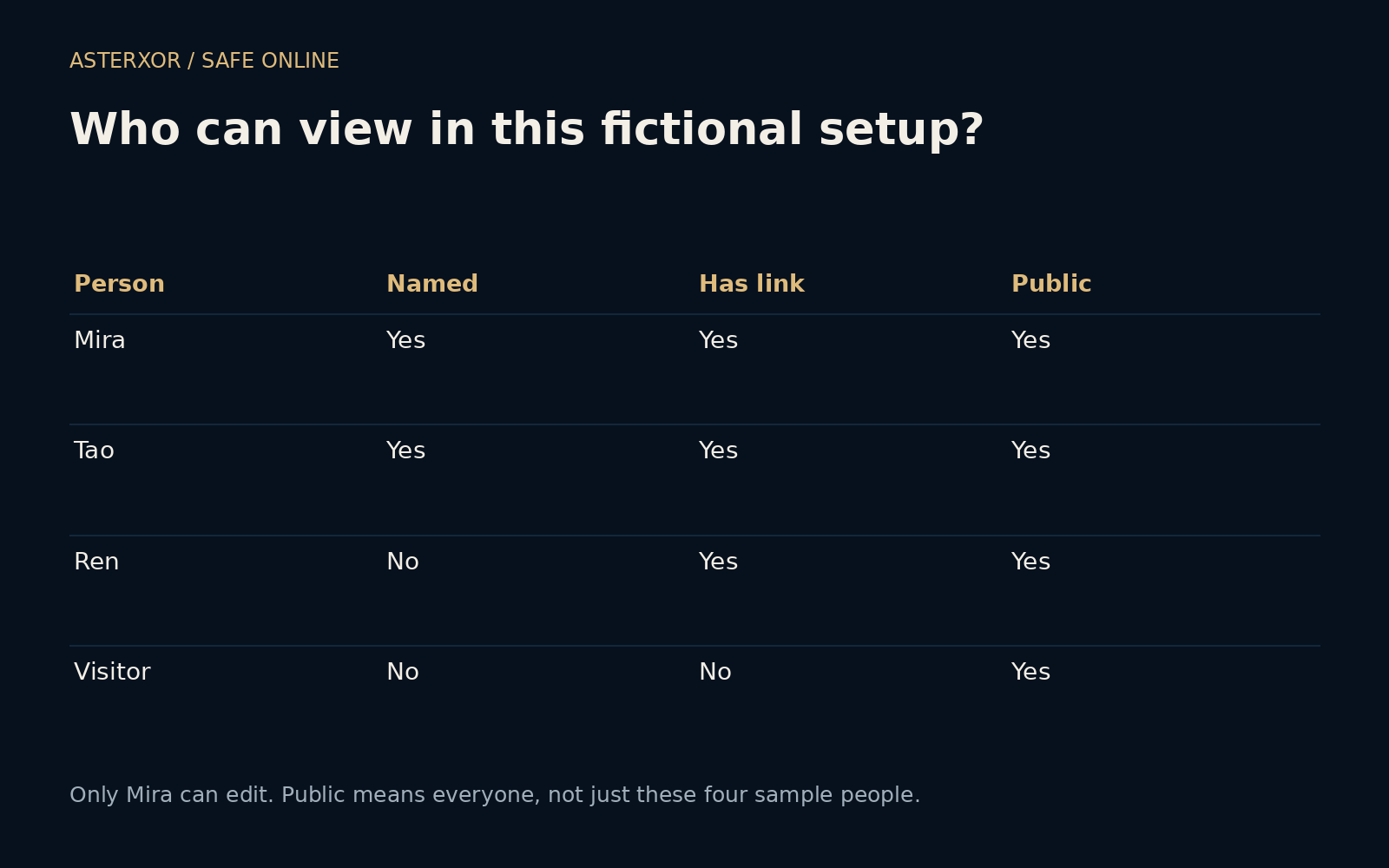
Our offline model names Mira, Tao, Ren and a generic Visitor. Named access includes Mira and Tao. In the link case, Mira, Tao and Ren possess the link. In the public case, all four sample people can view. The counts are two, three and four within the fixture; public access is not actually limited to those four names.
Only Mira has editing permission in this model. Tao can view under named access without being able to edit. Six assertions check the audience sizes, the single editor, the distinction between viewing and editing, and the stated limit of later revocation. We created no real links, changed no permissions and shared no document with any person.
Permission level is a second decision
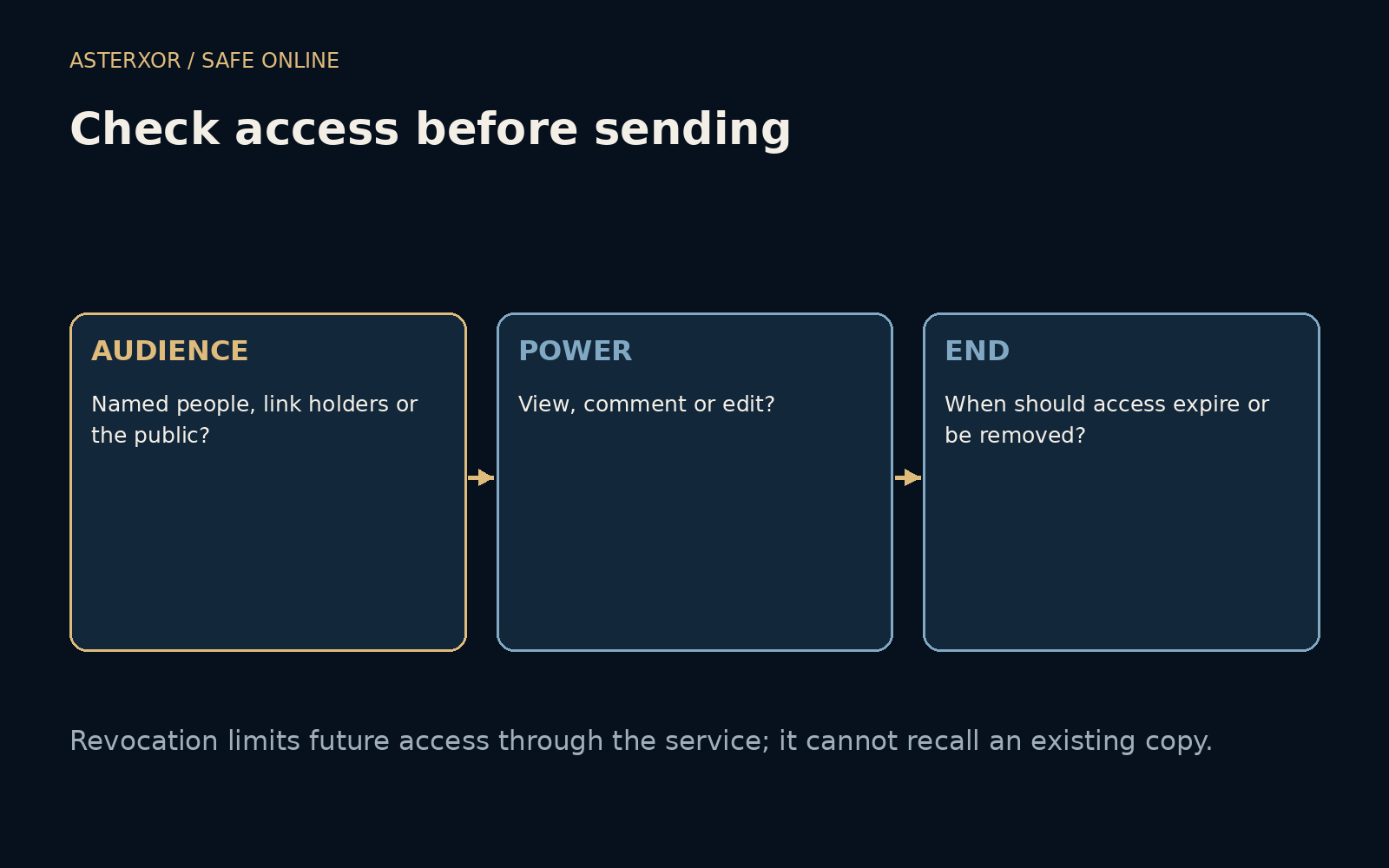
Viewing, commenting and editing can expose different capabilities. An editor may change the document or interact with its structure in ways a viewer cannot, depending on the product. Choose the least powerful role that supports the collaboration. Do not grant editing merely because it is the first option in a sharing dialog if the recipient only needs to read.
The document may also inherit access from a folder, team or organization. Restricting one visible link does not necessarily remove every other route. Check the complete access list and relevant inherited settings in the actual service. Our simple model has no groups or inheritance, so it cannot tell you whether a particular real document is private.
Revocation changes future access, not history
Changing a link back to restricted access can prevent later use through that route. It does not erase a copy someone already downloaded, a screenshot they took or information they remember. This is why the audience decision belongs before sending. Expiration dates and download controls can help in supported products, but their exact effects and limitations need to be understood.
If you discover unintended sharing, restrict the appropriate route promptly, review the remaining access and follow any relevant organizational process. Avoid claiming that the information has been recalled simply because the link stopped working. The next step depends on what was shared and who may have received it, not only on the current appearance of the sharing dialog.
Inspect the outgoing document as well as the audience
A correct access setting does not make every piece of the document suitable for the recipients. Review comments, hidden content, linked files and relevant version history before sharing, according to the tool’s behavior. A polished export and an editable source can reveal different information. Choose the artifact that matches the collaboration rather than sending the most powerful version by default.
Before sending, read back the audience and role in plain language: these named people can view, or anyone receiving this link can view. If that sentence sounds broader than the conversation you intended, adjust the setting first. When the collaboration ends, review access again. A link is easy to copy, which is precisely why its audience deserves a deliberate moment.
Further reading
Google Drive Help: Share files ↗Google Drive Help: Stop or change sharing ↗Microsoft Support: Share OneDrive files and folders ↗Original documentation and useful background.