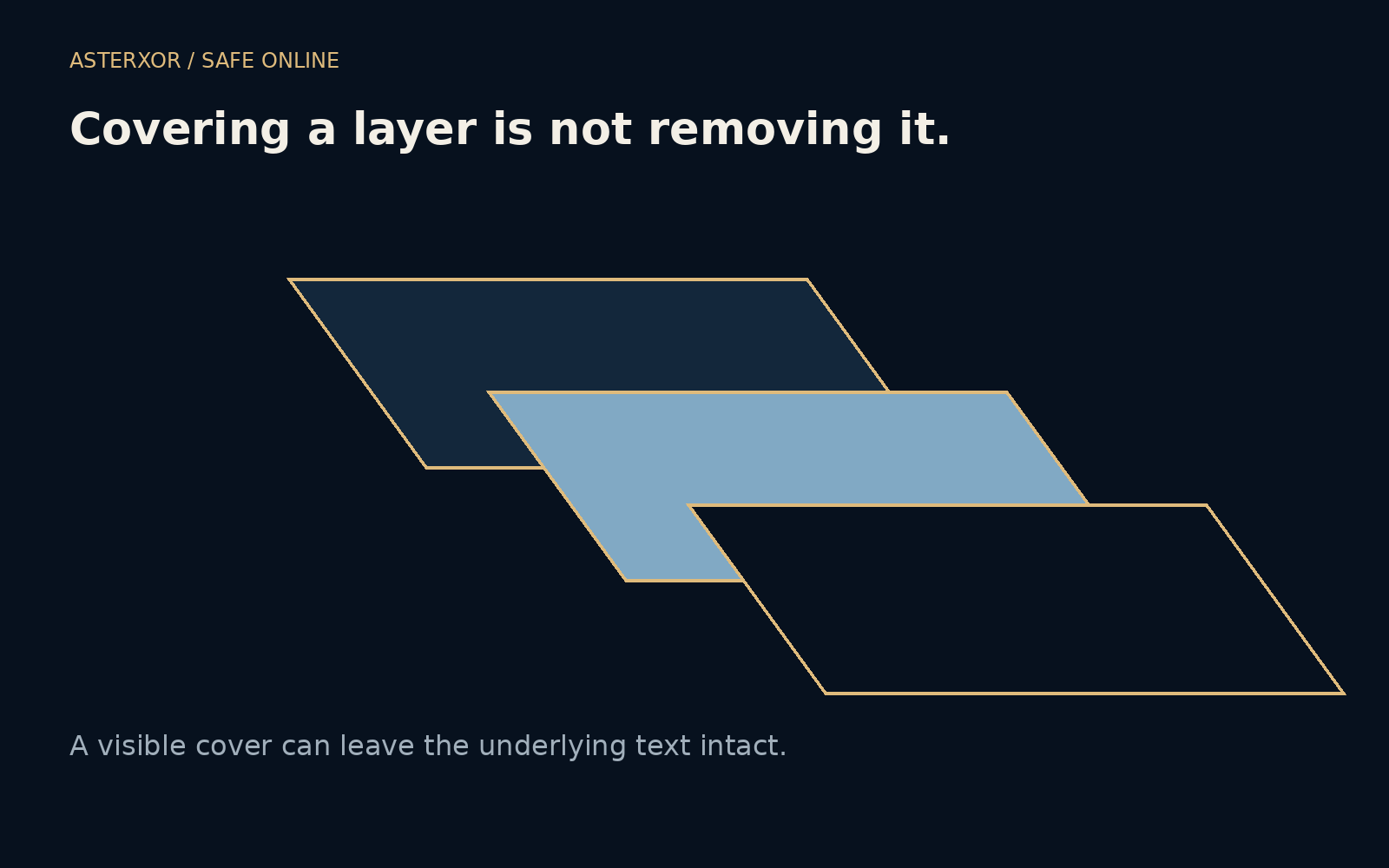
Would copying the text reveal something that looking at the page does not?
Documents are often built from layers of instructions rather than one flat picture. Text, images and shapes can coexist even when one shape hides another. That makes editing flexible, but it also makes visual covering a poor substitute for removing sensitive content. A harmless dummy document lets us see the difference without experimenting on anyone’s private information.
Covering changes what you see. Redaction must change what remains.
One phrase, two layers
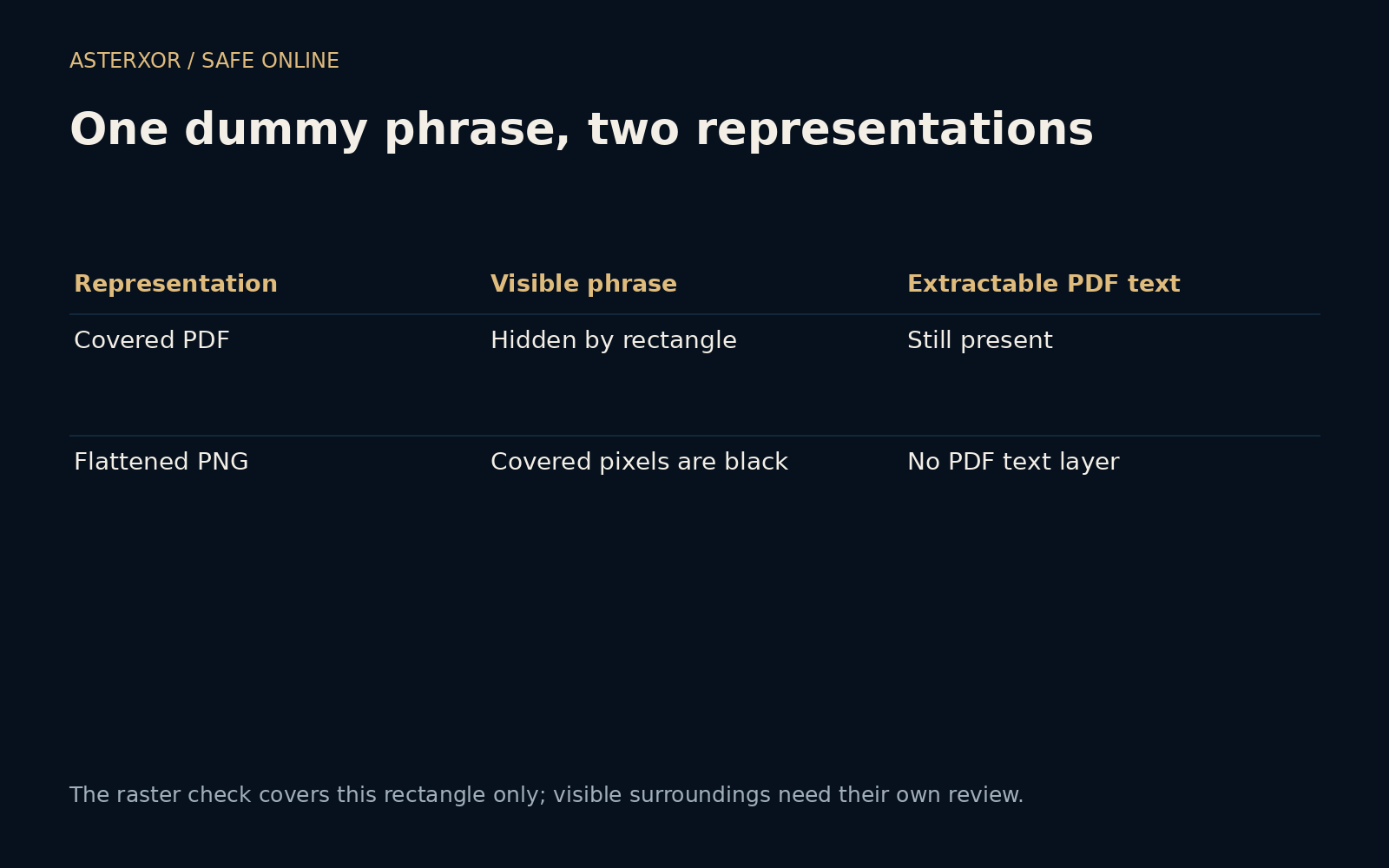
We created a small PDF containing the invented phrase DUMMY ORCHID 4242. Then we drew an opaque black rectangle over the phrase. Viewed normally, the rectangle covers the text. But extracting text from the saved PDF still returns the dummy phrase. The black shape was added above the text; the original text operation remained in the document.
This behavior is not a flaw in every black rectangle or every PDF editor. It is the expected result of an overlay in our fixture. A dedicated redaction tool is meant to remove selected underlying content when the redaction is applied. Drawing tools, highlight tools and preview marks may have entirely different functions despite producing similar-looking pages.
Flattening changes the representation
We rendered the covered PDF page into a PNG image and inspected the rectangle’s interior. Every sampled pixel in that region was black. The exported file was an image without a PDF text layer and had no EXIF entries. These observations describe our generated output, not a general guarantee about every image export or document conversion.
Rendering can remove the particular underlying text representation by turning the displayed page into pixels. It can also lose accessibility, searchability, vector sharpness or useful document structure. It does not automatically remove sensitive information elsewhere in the picture, in the filename or in additional files you send alongside it. The trade-off deserves an explicit choice, not a reflex.
Real documents have more hiding places
A PDF can include comments, attachments, metadata, form values and other information beyond the visible page. Other document formats may keep tracked changes, hidden sheets or revision history. Removing one paragraph from view does not establish that every copy of its meaning has disappeared. A recipient may interact with the file differently from the way you previewed it.
Even a fully flattened picture can reveal too much through surrounding context. A visible address fragment, a distinctive heading or nearby totals may make a covered value inferable. Blurring and pixelation can preserve patterns, especially with short predictable text. For sensitive material, use appropriate removal tools and review context rather than assuming that an attractive visual effect is sufficient.
Apply the removal, then inspect a new outgoing copy
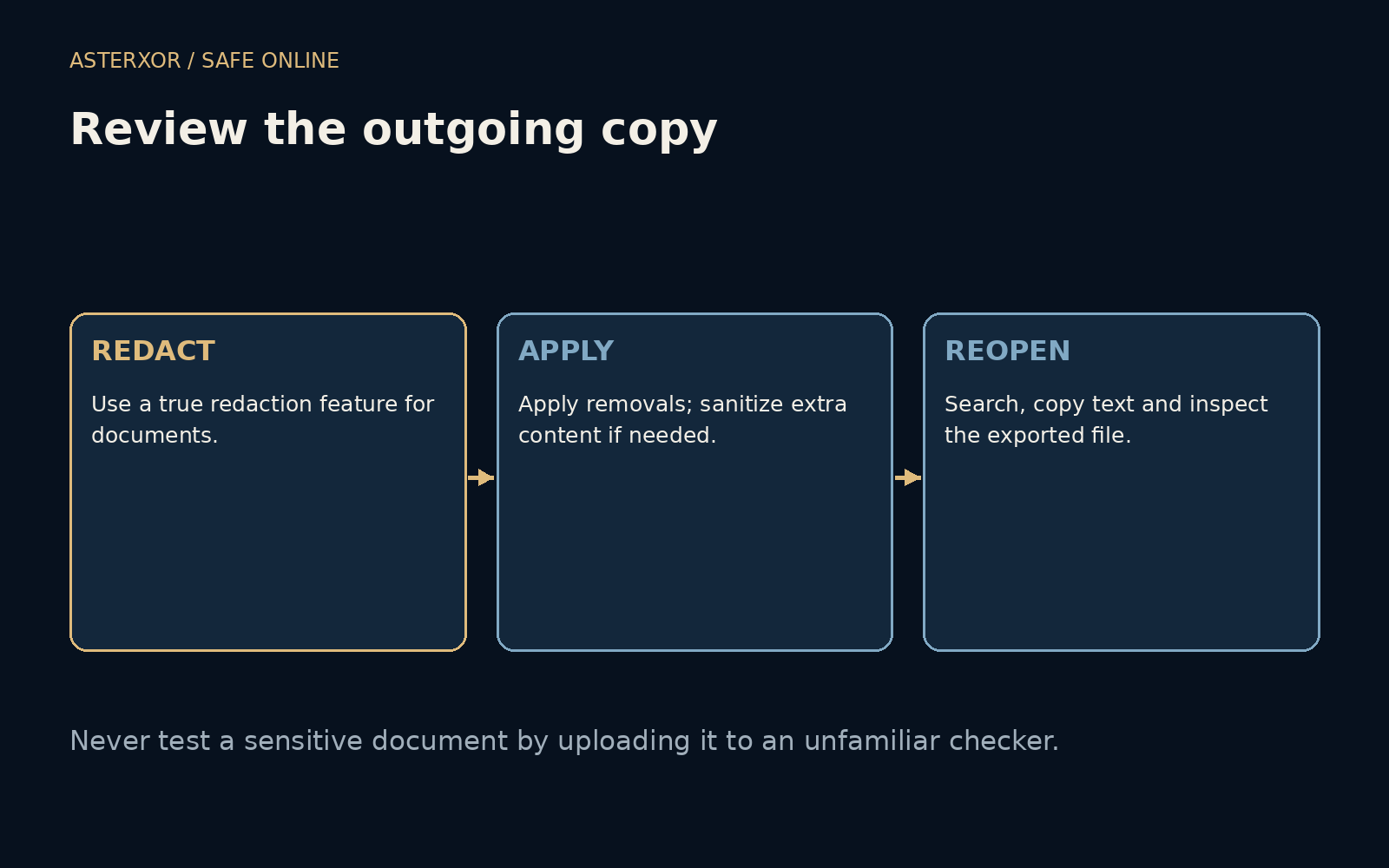
Use a trusted document tool’s actual redaction feature, follow its apply or finalize step and use its supported sanitization options where relevant. Keep the original separately under suitable access controls. Reopen the outgoing copy, search for the removed phrase, try selecting or copying text and examine the file’s remaining attachments and properties where the tool makes them available.
These checks are useful but not exhaustive forensic proof. A failed search alone does not establish safety, because text may be encoded unusually or represented as an image. Combine the tool’s documented removal workflow with visual and structural inspection appropriate to the material. Avoid uploading a sensitive original to an unfamiliar website simply to find out whether its redaction worked.
The recipient gets a file, not your intention
An unsent edit, an unflattened annotation or an old attachment can undo an otherwise careful process. Check that the selected upload or email attachment is the reviewed copy. Consider its filename and any accompanying message, which can reveal information removed from the page. Sharing permissions also matter: editing access may expose more history or source material than a finished export.
For high-consequence documents, involve someone qualified to review the required redaction standard. Our tiny exercise can explain why an overlay fails without certifying a legal disclosure or a privacy-sensitive release. The most useful habit is to ask what a recipient can actually obtain from the delivered artifact, not merely whether your own screen looks suitably covered.
Further reading
Adobe: Remove sensitive content from PDFs ↗PyMuPDF: Page API and redactions ↗Original documentation and useful background.