If anyone can reverse the transformation without a secret, what exactly is being protected?
A string of mixed letters and numbers can look private simply because we cannot read it at a glance. Yet software often changes the representation of data for transport, not secrecy. The distinction matters when you see a saved value, a QR payload or an attachment: unfamiliar text is a reason to identify the format, not evidence that the information is confidential.
A different alphabet is not an access rule.
Why software changes the alphabet
Some systems need to carry arbitrary bytes through a channel that expects text. Base64 represents groups of bits with a defined alphabet of printable characters. That makes data easier to embed in certain messages and formats. It is useful plumbing, much like writing a number in a different notation while preserving its value.
The rules are public, and decoding does not require a secret. A recipient with the encoded value and a compatible decoder can recover the original bytes. Base64 can surround encrypted bytes, but it does not make them encrypted. The protection, if any, comes from a separate operation performed before the representation was changed.
A useful way to remember the distinction is to imagine a publicly available transliteration chart. Changing how a message is written can help a channel carry it, but everyone with the chart can read it back. An access restriction would need another mechanism. Base64 is especially easy to misread because its output resembles the random-looking material used in some genuine security systems.
Twenty-two bytes go there and back
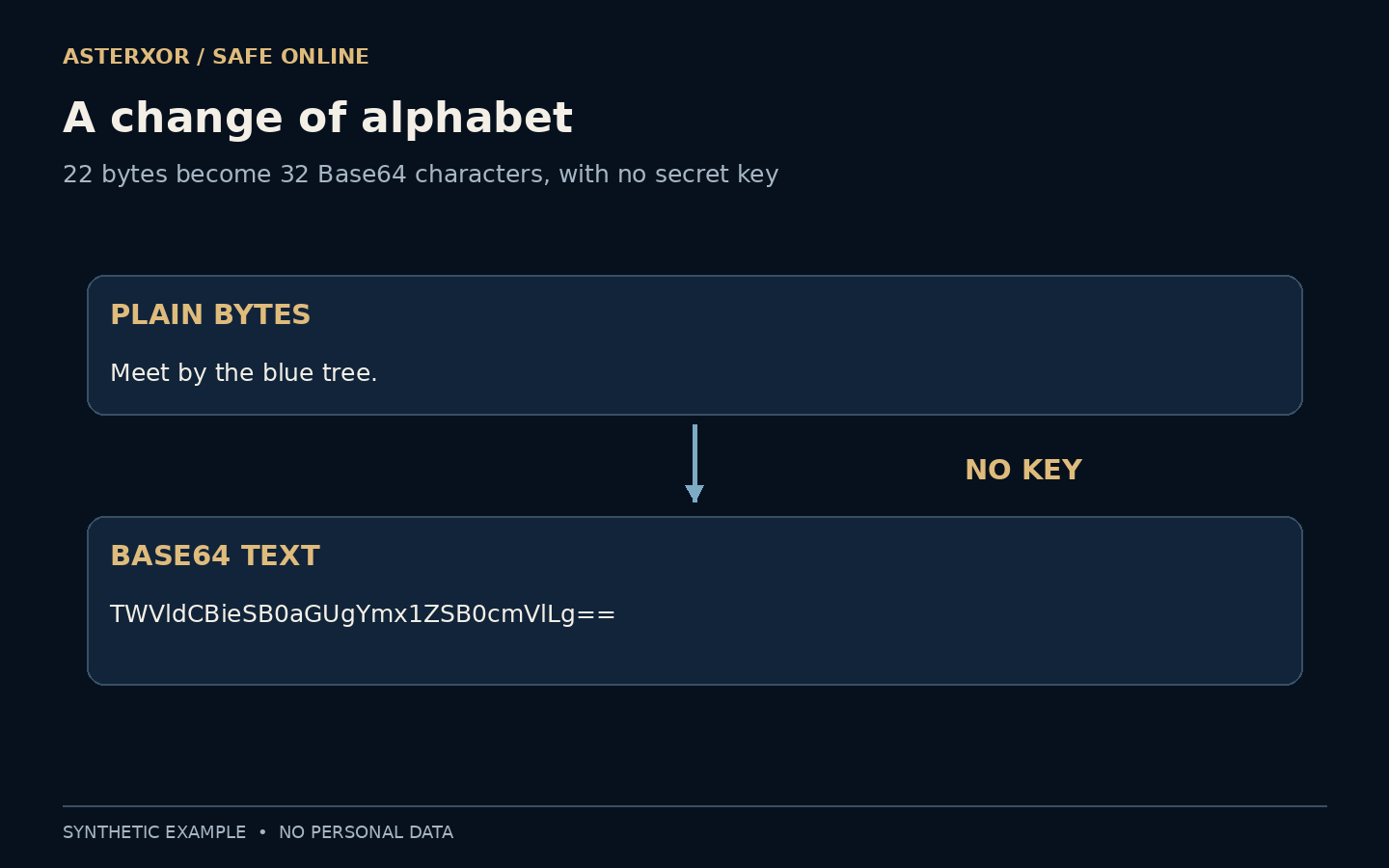
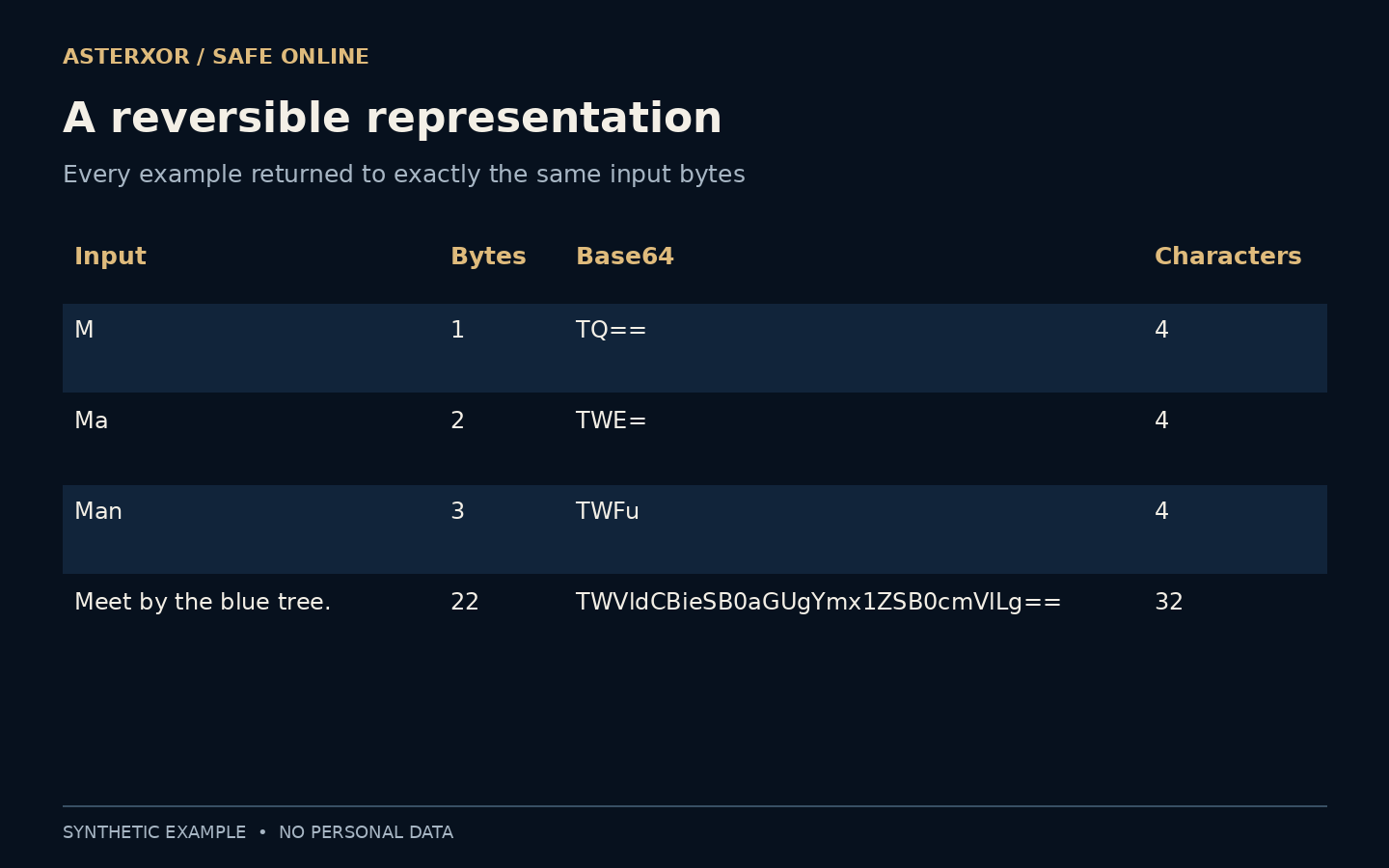
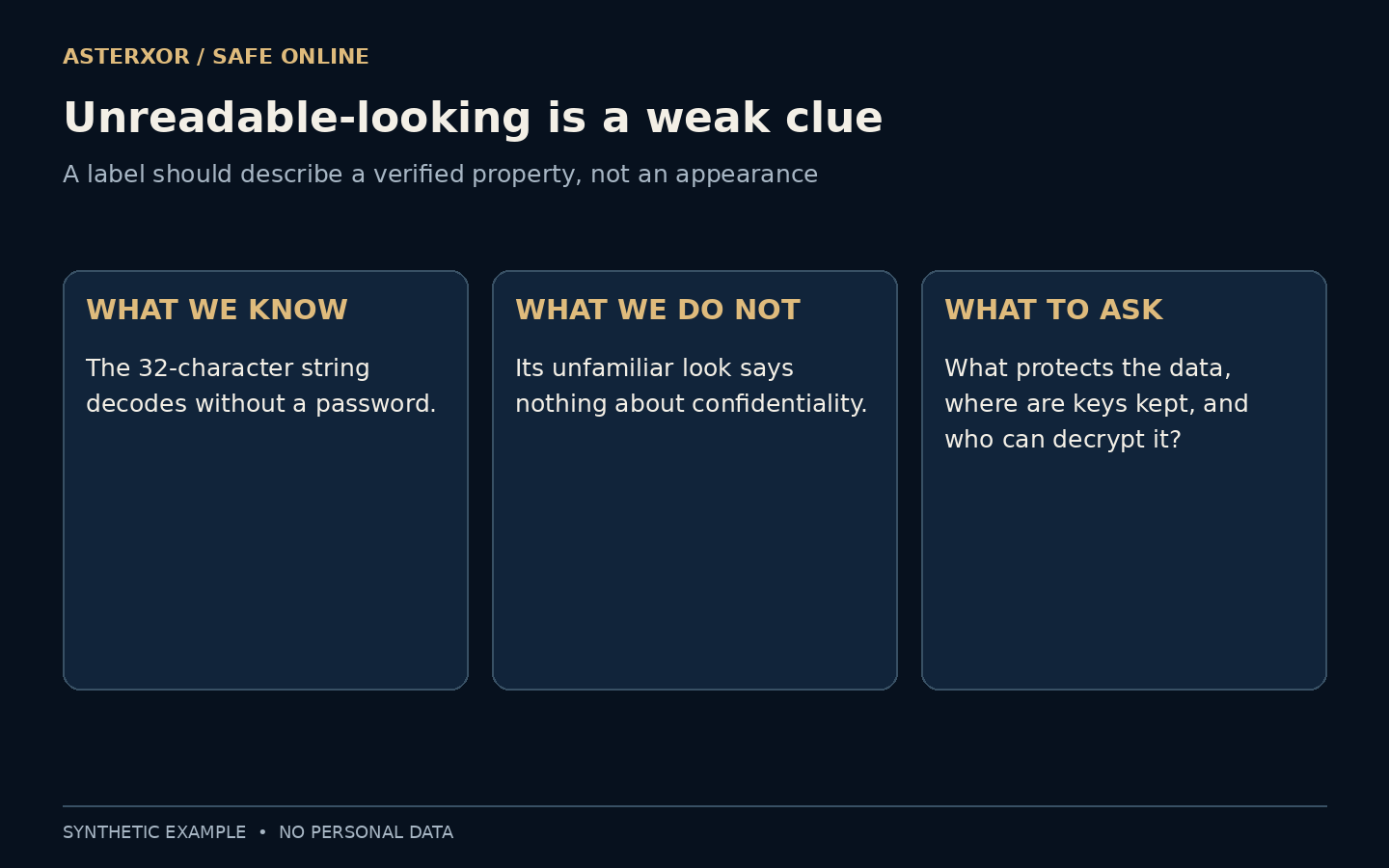
We encoded the fictional sentence “Meet by the blue tree.” locally. Its 22 ASCII bytes became 32 Base64 characters. Decoding that output returned exactly the original 22 bytes without a password or key. We compared the bytes directly, so the result did not depend on whether the rendered sentence merely looked similar.
Three smaller fixtures make the padding visible: M becomes TQ==, Ma becomes TWE=, and Man becomes TWFu. Each output is four characters long. The equals signs fill out an incomplete group in this standard padded representation; they are not a password marker. All four round trips passed.
More characters do not mean more protection
For standard padded Base64, the output length is four times the input length divided into three-byte groups, rounding up to a whole group. That explains both the short examples and the longer sentence. The extra characters are representation overhead, not a measured increase in security or randomness.
Our script also rejected an invalid alphabet when strict decoding was requested. This checks whether an input follows the expected format. It does not establish who sent the data or whether the contents are safe. A perfectly valid encoding can carry mistaken, public, private or harmful material; syntax alone cannot sort those categories.
The formula counts input bytes, not letters on the screen. The original sentence happens to use ASCII, where each of its characters occupies one byte. Text in other writing systems, and even an accented Latin letter, can require more. A claim about encoded length should name the character encoding first; otherwise two people may be counting different units while both think they are counting characters.
Confidentiality asks a different question
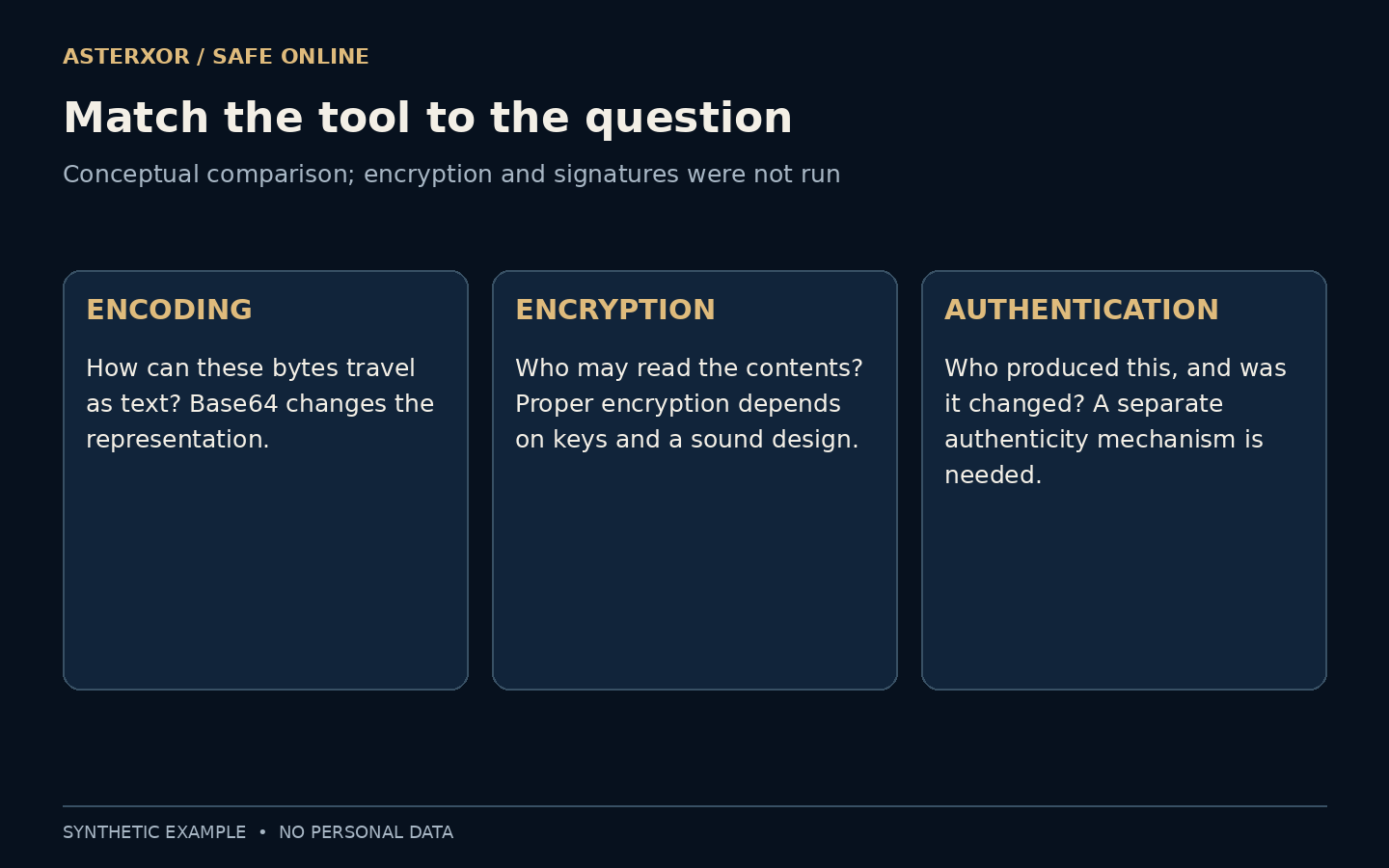
Proper encryption uses cryptographic keys and a sound design to keep the contents unavailable to parties without the necessary access. Authentication and integrity mechanisms address who produced data and whether it was changed. Modern authenticated encryption can combine important protections, but choosing and implementing it correctly is not a task for an improvised character substitution.
A hash has another job: producing a digest that can help compare exact contents against a trusted expected value. It normally does not decode back into the original message, and it does not itself conceal the source data wherever that data is stored. Useful security comes from matching the mechanism to the requirement, not from choosing the least readable output.
Keep a protection claim attached to the part of the workflow it describes. A file can travel through an encrypted connection, be stored as readable text at its destination, and then be displayed as Base64 in an export. Those statements can all be true together. Asking which copy, which stage and which reader prevents one reassuring word from being applied to the entire journey.
The same wrapper can hold different things
A Base64-looking value may contain plain text, an image, a structured message or ciphertext. A token can contain readable fields and still have a separate signature protecting integrity. Readability does not automatically mean the token is safe to share: the entire value may grant access even when part of it is easily decoded.
Do not paste an unfamiliar account value into an online decoder just to satisfy curiosity. Use the service’s documentation and a trusted local inspection workflow when appropriate. Our fixture contains only a sentence invented for the experiment. It is not a session token, recovery code or example credential, and no account material was examined.
A safe inspection exercise starts with text you wrote specifically for the exercise, not a mysterious value copied from an account. Keep the example local, record the original bytes and compare the decoded bytes exactly. If the format is unfamiliar or the value might authorize access, stop and consult the issuer’s documentation. Curiosity is not a reason to disclose a potentially powerful value to a decoder service.
Letters, bytes and alphabets are three separate choices
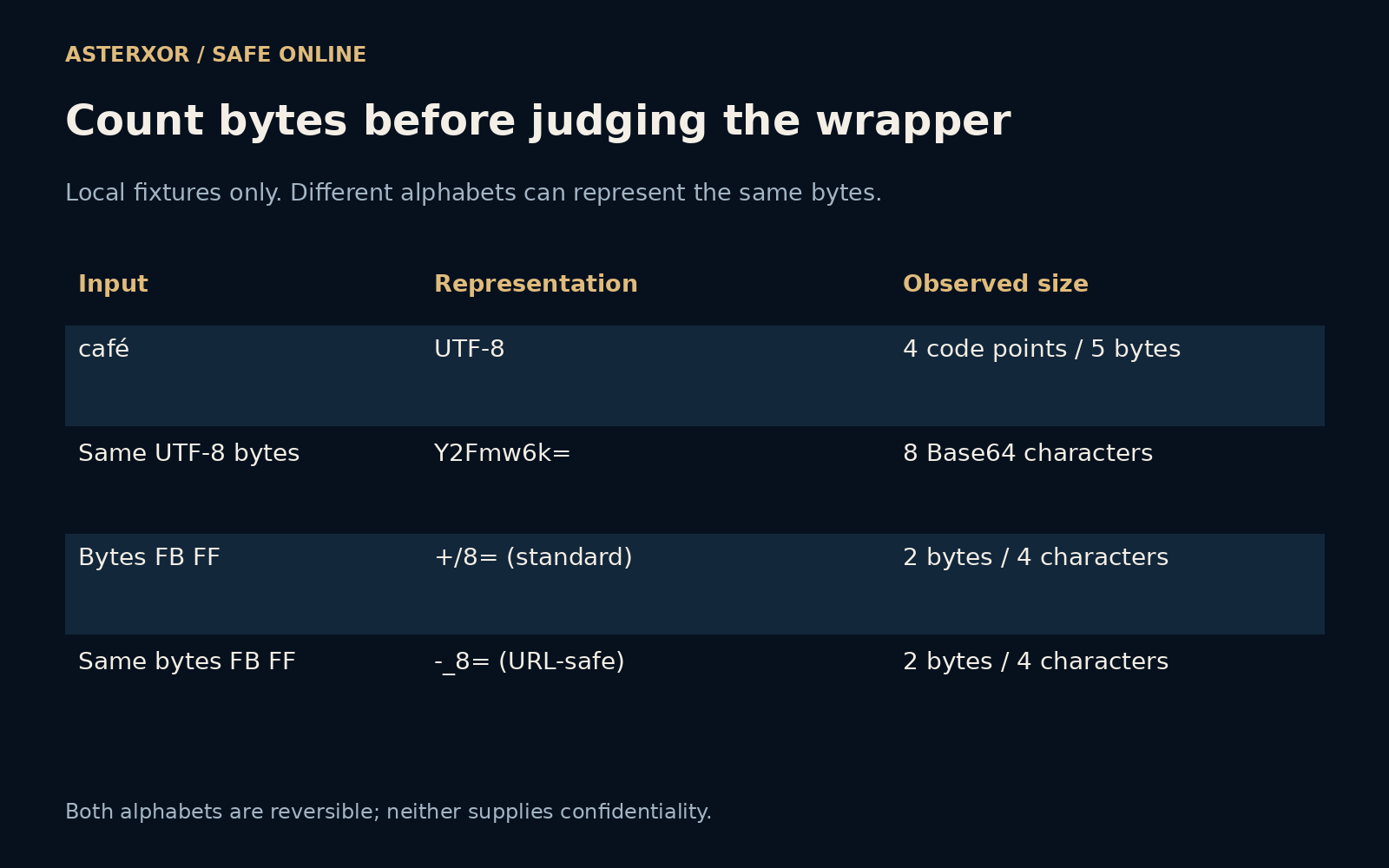
For a second fixture, we encoded café using UTF-8. This particular spelling contains four Unicode code points, but its UTF-8 representation occupies five bytes. Standard Base64 produces Y2Fmw6k=, eight characters, and decoding restores the original text. The extra byte belongs to the representation of the accented letter; it is not added secrecy. Code-point count is also not a universal measure of visually perceived characters.
We then used two harmless bytes, FB FF in hexadecimal, to compare alphabets. Standard Base64 writes them as +/8=, while the URL-safe variant writes -_8=. Both decode to the same two bytes with the corresponding decoder. The changed symbols suit different containers. Neither representation adds confidentiality or evidence about the sender.
This is why guessing a format from appearance is only a starting point. Some protocols also define padding rules or other surrounding structure. Follow the format’s documented decoder and compare the resulting bytes when verification is your goal. Our eight additional checks cover only these exact fixtures, not every permissive decoder or every token format.
Replace a vague label with a useful question
When a product says information is protected, ask which property it means. Is the connection encrypted? Is the stored copy encrypted? Who holds the keys, and which parties can read the contents? Those questions describe a system and its access boundaries. A screenshot of scrambled characters answers none of them by itself.
For a simple document-sharing task, use established tools with clear protection and sharing controls rather than renaming a file or encoding its contents. Check the recipient and outgoing copy as well. Encoding remains helpful when it is called by its proper name: a reversible way to carry bytes, with no promise of secrecy attached.
Further reading
RFC 4648: Base encodings ↗Python documentation: Base64 ↗NIST: securing data and devices ↗Original documentation and useful background.