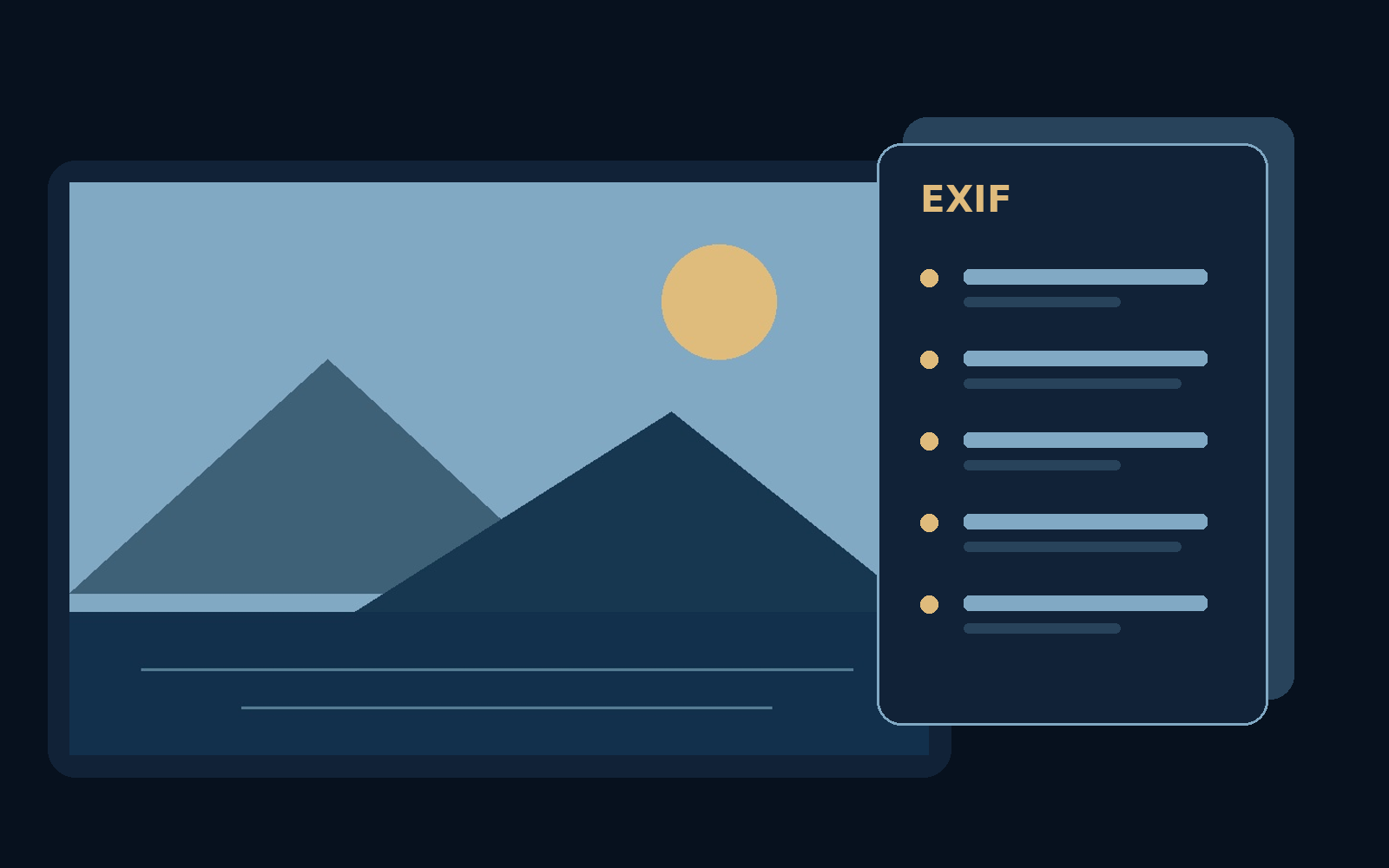
Two pictures can look identical while telling different stories to the software that opens them.
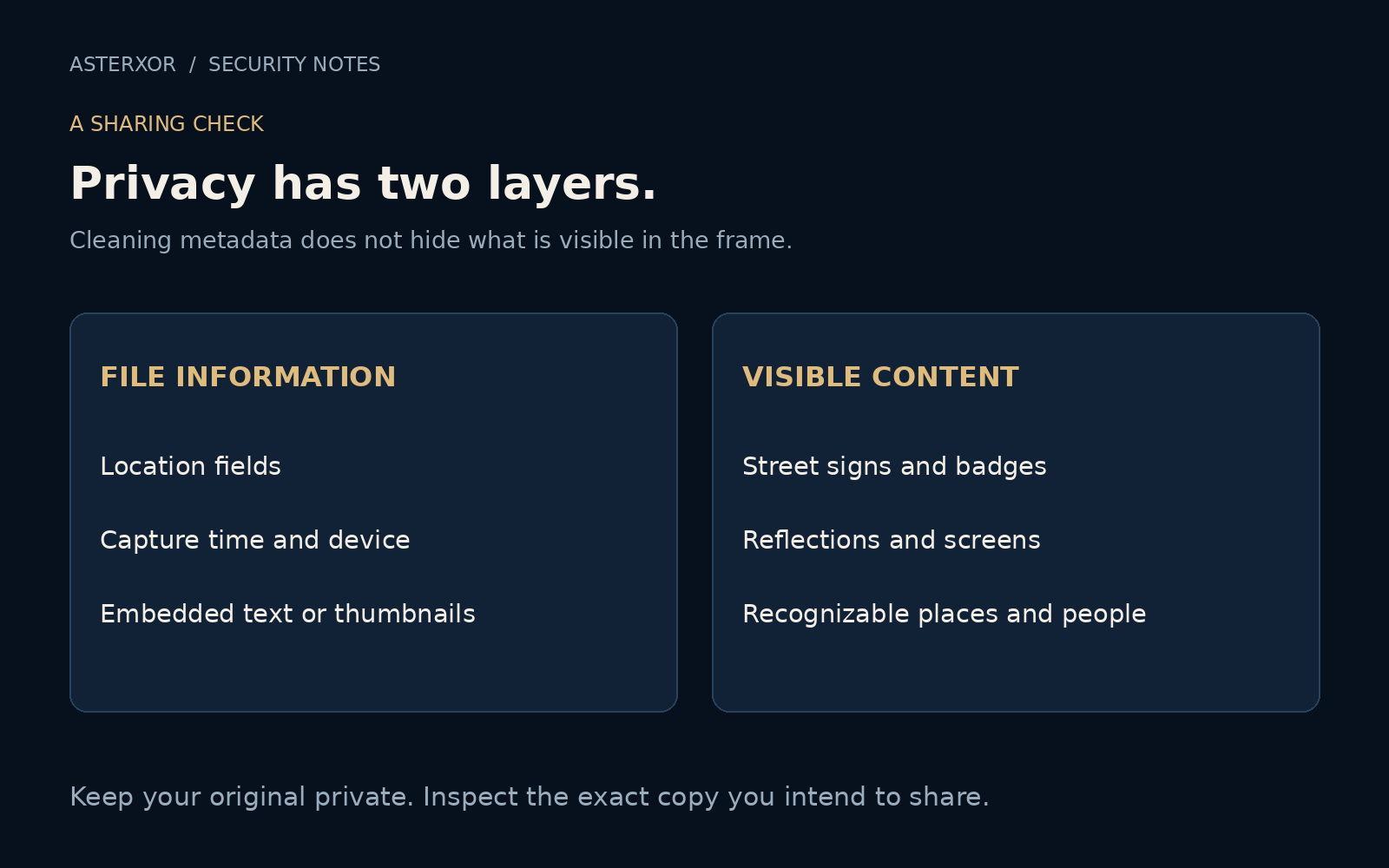
A photograph may carry a capture time, a camera model, or location coordinates alongside the image itself. These details are called metadata. They help organize a library, but the person receiving a file may be able to read them too. Privacy begins with a small distinction: what you see on screen is not necessarily everything you are sending.
Inspect the copy that will leave your hands, not just the picture on your screen.
Why pictures have an envelope
EXIF is one common way image files store information about capture and handling. Depending on the camera, application, and settings, fields can include time, exposure, device details, orientation, and GPS information. Not every image contains these fields, and absence of GPS in one file tells you nothing about the next photograph.
Metadata is useful. Orientation helps a viewer display an image correctly; dates help arrange memories; color profiles, stored separately from EXIF in many formats, help maintain appearance. The goal is not to treat every field as dangerous. It is to decide which information a particular recipient needs, and to avoid sharing the rest by accident.
We gave an invented scene five invented details
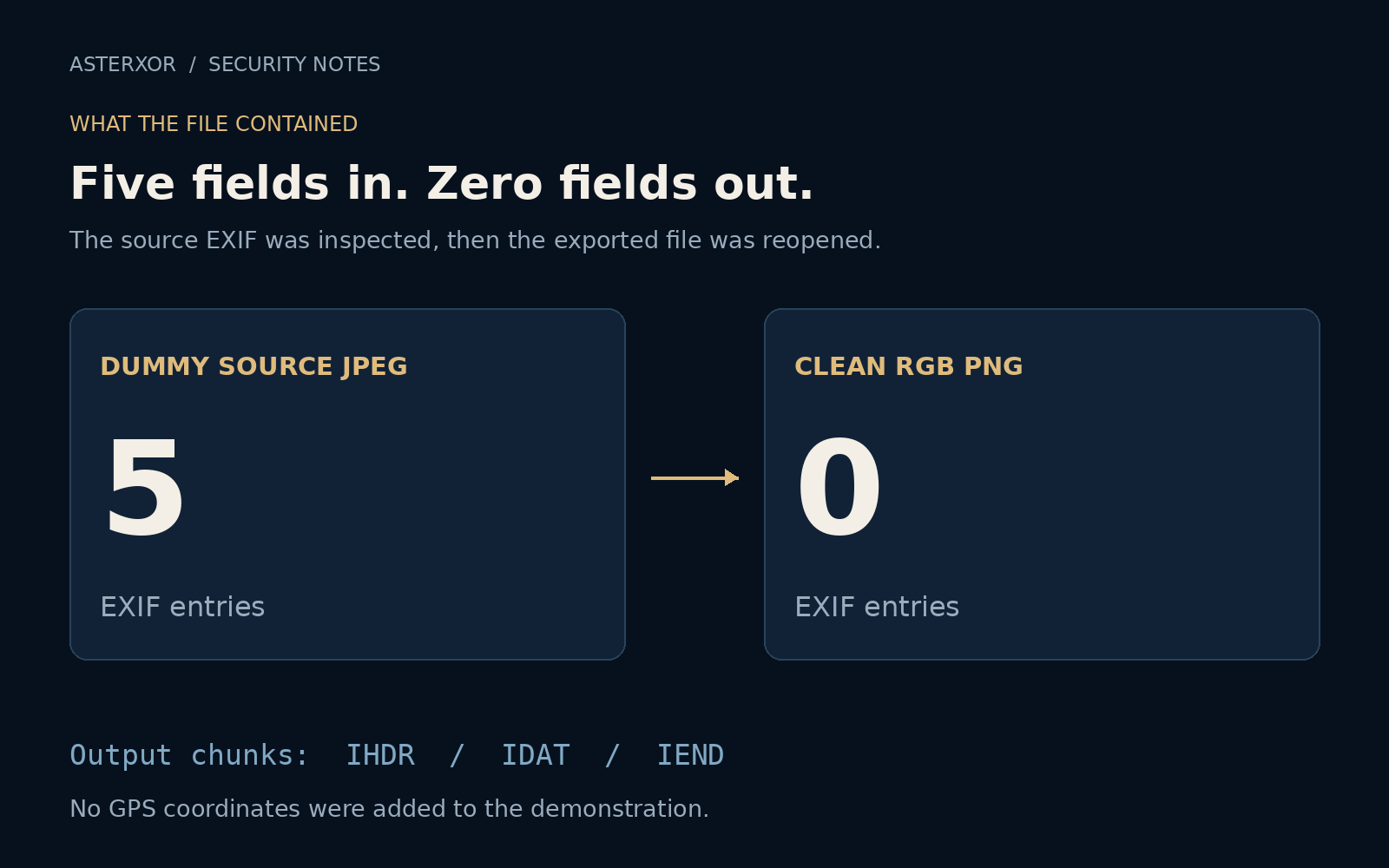
We drew a 900 × 600 landscape and saved it as a JPEG with five EXIF fields: a description, camera make, camera model, date/time, and artist. Their values are visibly fictional, including DUMMY CAMERA, MODEL ZERO, and FICTIONAL AUTHOR. The date is a fixed test value, not a record of anyone’s activity. No GPS field was added.
We reopened the saved JPEG and read its EXIF data rather than assuming the save had worked. All five values survived. That is a useful first lesson: metadata belongs to the file, not to the appearance of the landscape. Looking at the mountains would never reveal whether the artist field existed.
Rebuild from the pixels, then reopen
For this controlled image, we decoded the JPEG into RGB pixels, created a fresh image from that pixel array, and saved it as PNG without carrying over the original information dictionary. This produces a new file. We kept the source rather than overwriting it, so the experiment remains inspectable and reversible.
Reopening the export showed zero EXIF entries. We also checked its PNG chunk types and found only the image header, image data, and end marker. All five inserted text values were absent from the output bytes. These checks support a specific claim about our generated file; they are not a universal certificate that any image is anonymous.
The picture stayed the same at the pixel level
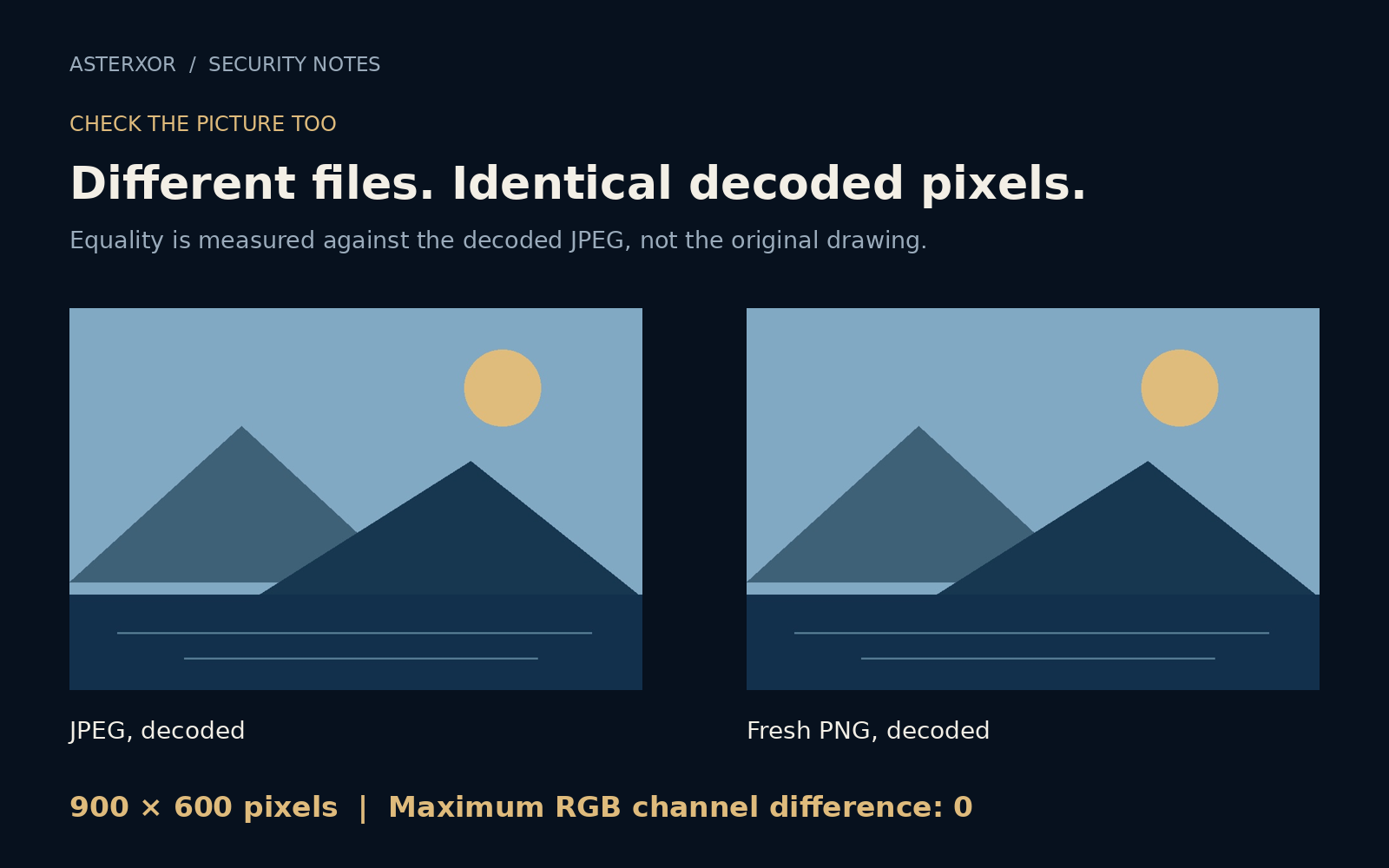
The decoded source JPEG and the exported PNG had exactly the same RGB arrays: 900 × 600 pixels, with a maximum channel difference of zero. That comparison starts after JPEG decoding. The JPEG had already used lossy compression when it was first saved, so we are not claiming that its pixels match the original drawing perfectly.
The files nevertheless have different SHA-256 hashes, because the bytes, container format, and metadata differ. A changed file fingerprint does not necessarily mean a changed visible scene. Conversely, a familiar thumbnail does not prove a file is free of hidden information. Appearance and file contents answer different questions.
Cleaning is a workflow, not a magic button
Our simple conversion is suitable for this fixture, not a promise about every camera file. Real photographs may need orientation applied before metadata is dropped, and color management may matter. Other formats can contain animation, extra images, embedded thumbnails, or additional metadata systems. A conversion can also enlarge a file or discard features you wanted.
Keep the original privately, make a sharing copy, review its appearance, and inspect its remaining information. File names, surrounding messages, and service account details can disclose context even when image metadata is gone. Privacy is stronger when you consider the entire act of sharing rather than a single checkbox.
Further reading
Pillow: Image.getexif and Image.fromarray ↗Pillow: JPEG and PNG file-format documentation ↗Original documentation and useful background.