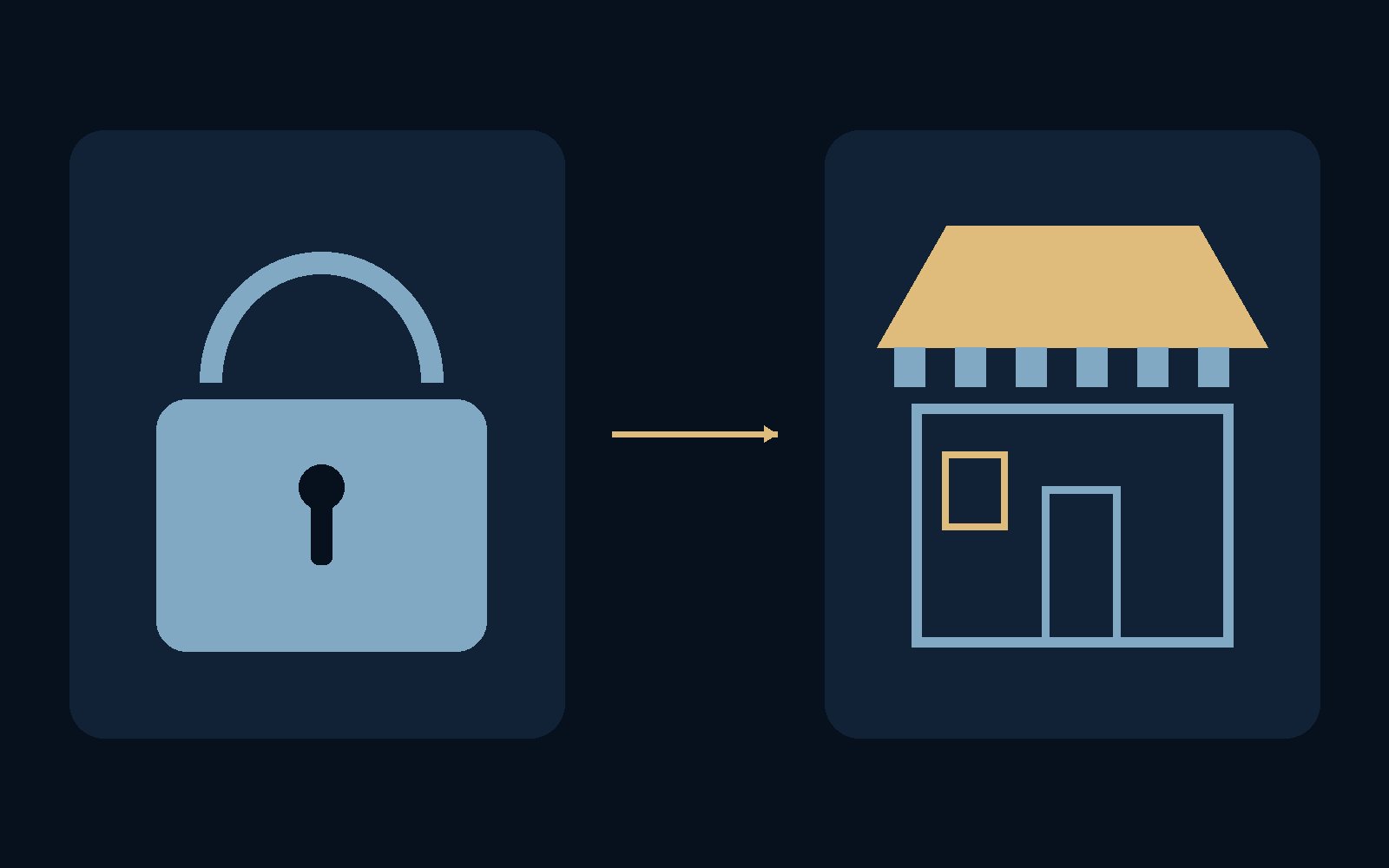
A reassuring little symbol can answer a much smaller question than we think.
A shop can have a strong front-door lock and still sell disappointing goods. The same separation matters online. HTTPS protects the connection to a particular website; it does not certify the intentions of everyone running it. Learning to read a few parts of an address is more useful than collecting vague signs that a page “looks professional.”
A secure journey is not a character reference for the destination.
What HTTPS actually promises
For a normal HTTPS connection that passes the browser’s certificate checks, encryption helps keep people along the network path from reading or altering the exchange. The certificate also ties that connection to the hostname being visited. That is important protection, especially when entering personal information.
But someone operating a dishonest site can obtain a valid certificate for their own domain. Neither a padlock nor another connection-status icon establishes refund policies, product quality, or a company’s identity beyond what the certificate actually verifies. A convincing logo is even weaker evidence: it is simply part of the page.
Find the part that names the host
An ordinary web address has a scheme such as https, a hostname, and possibly a port, followed by a path, query, and fragment. The hostname is the first thing to isolate when asking where you are going. Words elsewhere in the address can be meaningful to a website without identifying the server you intended.
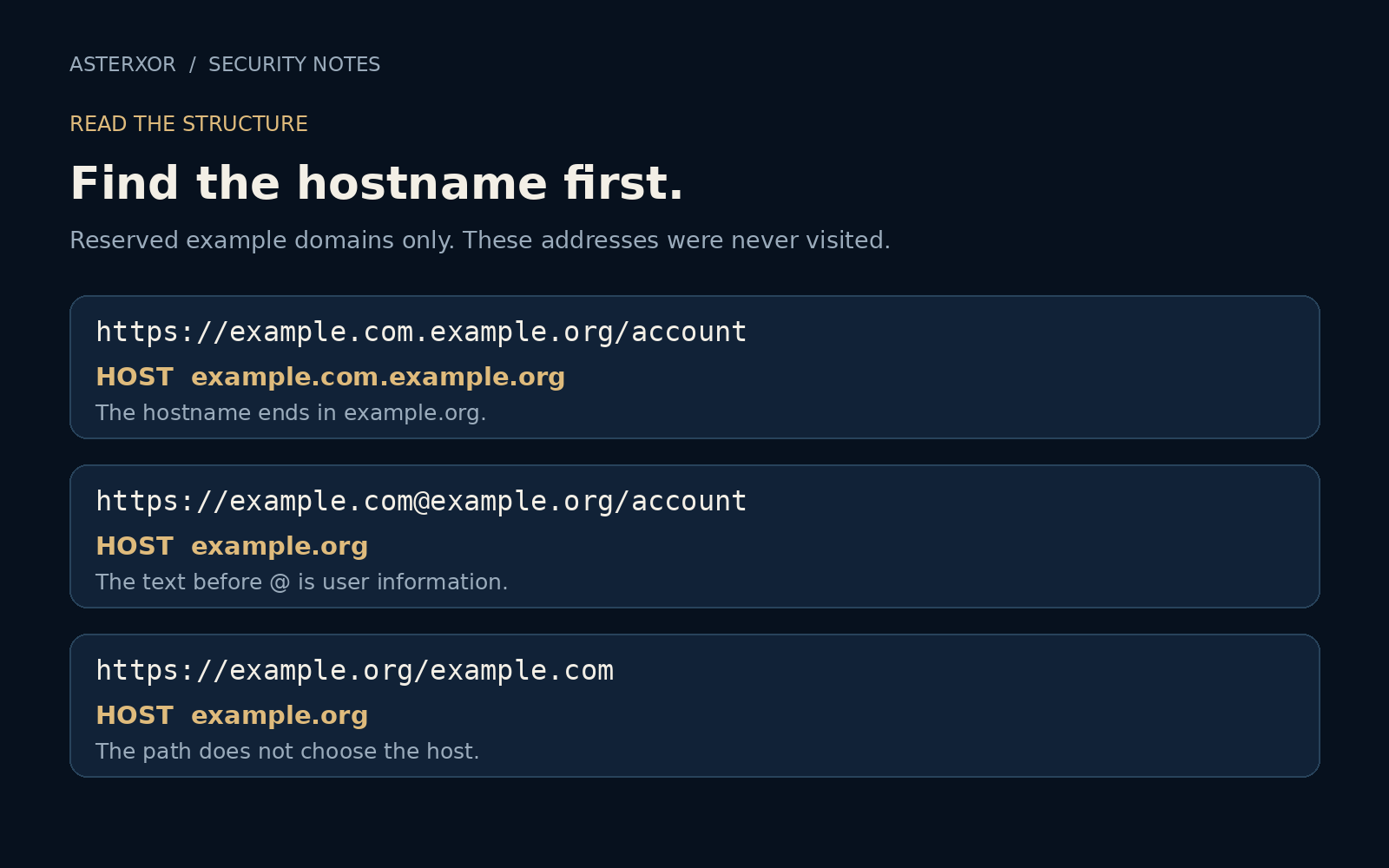
Compare https://example.com/account with https://example.com.example.org/account. The second hostname is example.com.example.org: example.com is now a set of labels under example.org. Do not merely search for a familiar name anywhere in the line. All domains here are reserved examples, and none were opened in our experiment.
The same words can play different roles
In https://example.com@example.org/account, the text before @ is user information, while example.org is the hostname. In https://example.org/example.com, the familiar-looking name is only part of the path. A query can also contain another full address without changing the current host. These examples are reading exercises, not links to investigate.
Real addresses add complications: internationalized names, redirects, shortened links, and public suffixes with several components. “Take the last two words” is not a universal domain rule. If the address is confusing, you do not need to solve it under pressure. A known bookmark or the official app is often a better starting point.
A parser can separate parts, not judge people
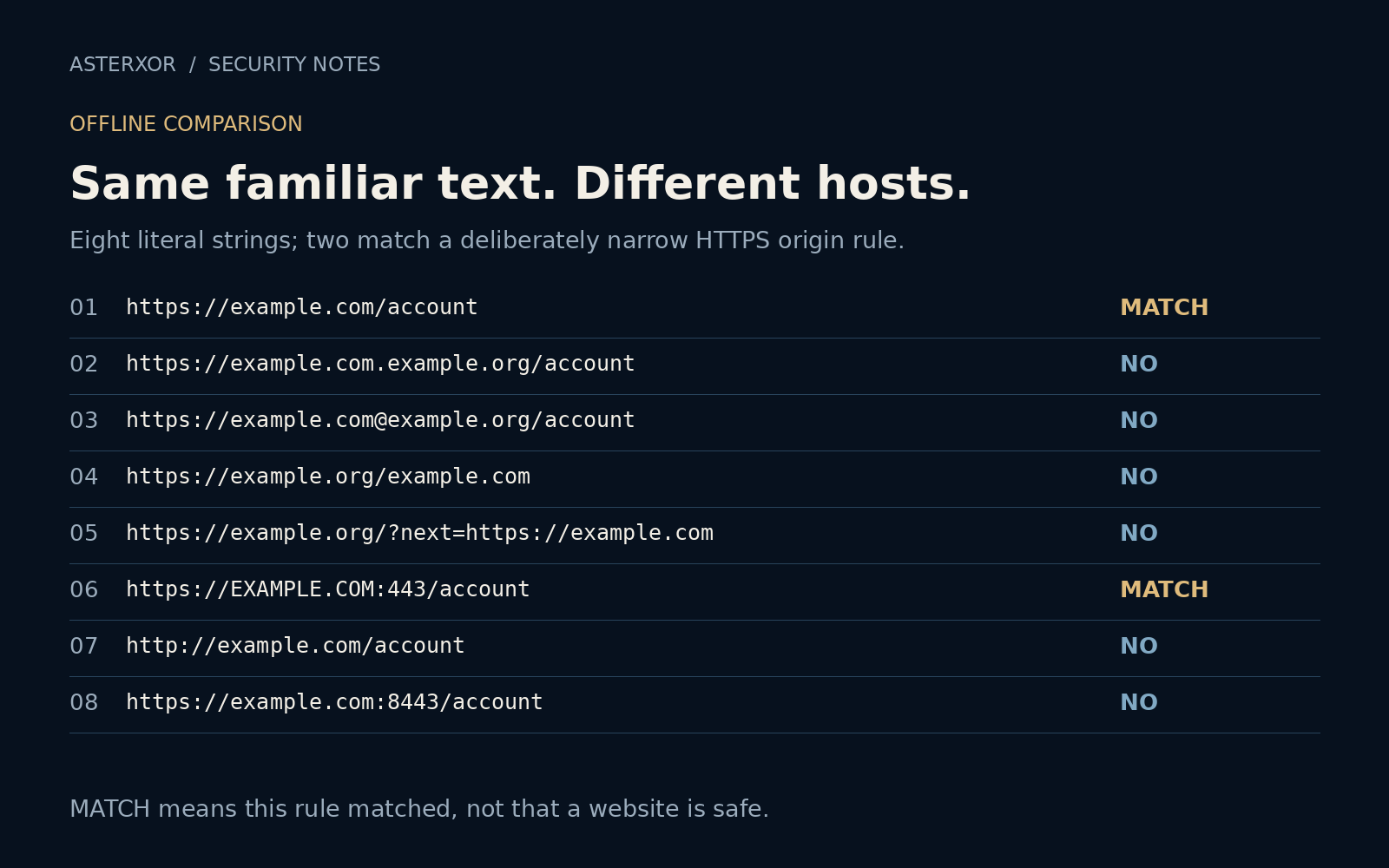
We parsed eight literal address strings offline. Our deliberately narrow rule accepted only HTTPS, the exact hostname example.com, no user information, and either the default port or port 443. Two strings matched. Capital letters in the hostname and an explicit 443 did not change that result; HTTP and port 8443 did.
The six rejected strings are not a measured sample of dangerous websites. They simply failed this example rule. Nineteen assertions checked the parsed hosts, decisions, match count, and two malformed cases. No pages, certificates, DNS answers, or redirects were tested. Python’s documentation explicitly warns that parsing is not comprehensive URL validation.
Give yourself another way in
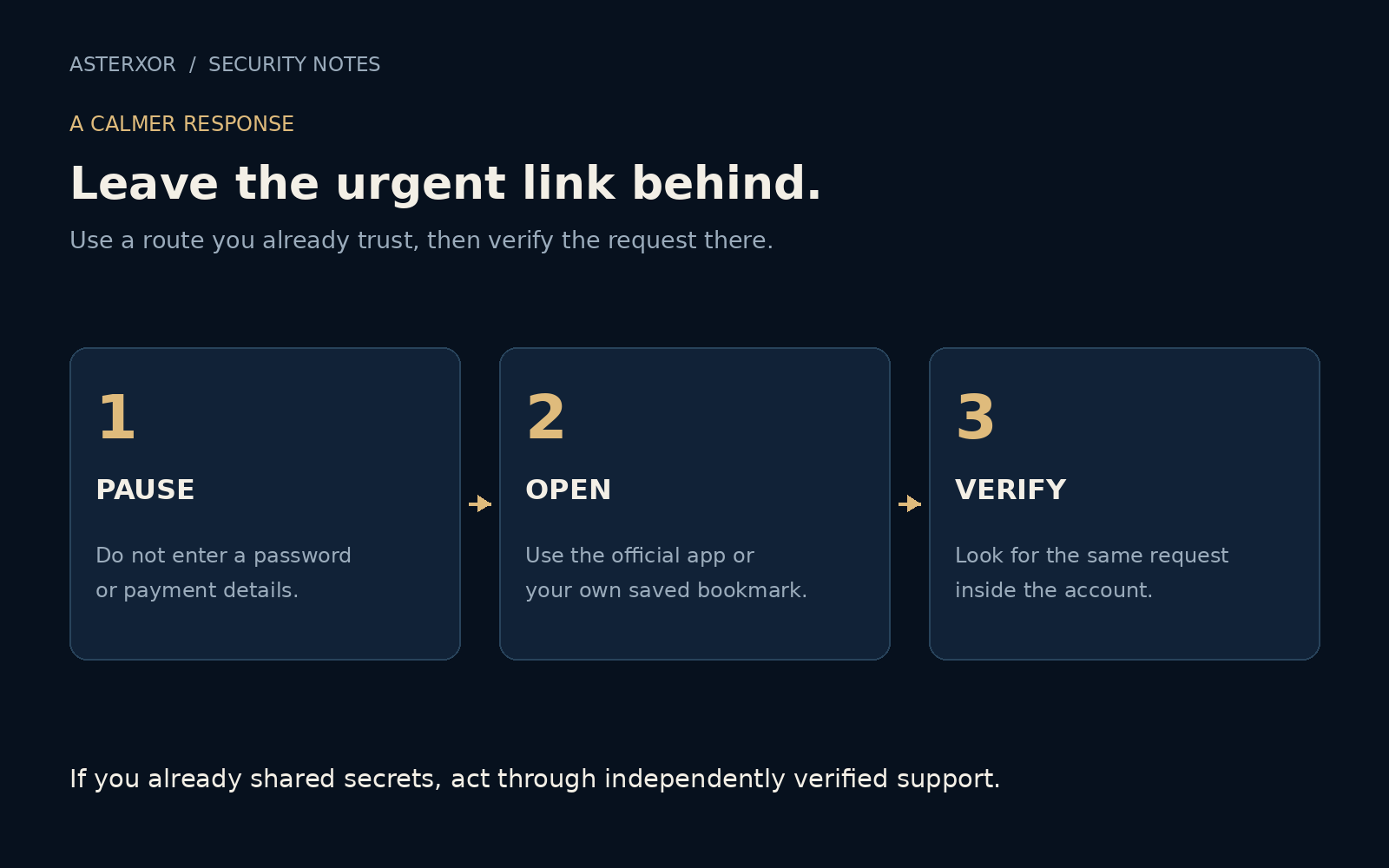
When a message urges you to fix a payment, confirm a delivery, or unlock an account, separate the request from the link. Open the service through an app or bookmark you already use. Check whether the same issue appears there. If you need support, obtain contact details independently rather than borrowing them from the alarming message.
For an unfamiliar seller, investigate the seller as well as the address. Check return terms, credible outside information, and whether the payment method offers appropriate protection. A connection warning is a reason to stop, not something to bypass because the page insists that it is expected.
Respond to what actually happened
Opening a page is different from entering a password, downloading software, or authorizing a payment. Close a suspicious page and avoid further interaction. If you entered a password, change it through the independently reached service and review account sessions. Change reused passwords elsewhere too, and enable stronger sign-in protection where available.
If money or payment details were involved, contact the payment provider promptly using verified contact information. Tell them what happened rather than relying on the website to reverse it. The point of reading an address is not to become suspicious of every link. It is to notice when the evidence is too thin for the action being requested.
Further reading
MDN: HTTPS ↗MDN: What is a URL? ↗Python: urllib.parse and URL parsing security ↗IANA: Example domains ↗Original documentation and useful background.