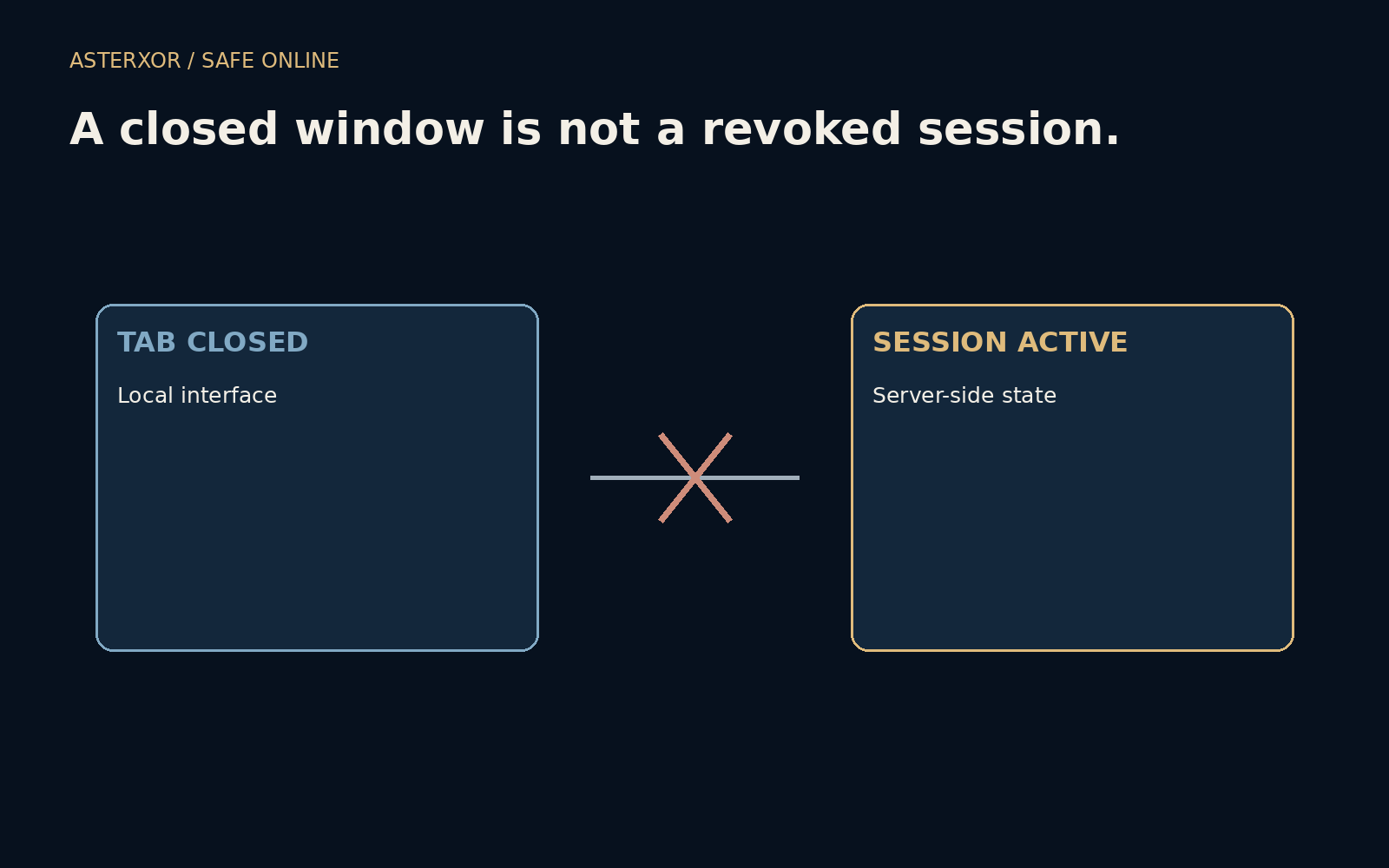
When the window disappears, what happens to the permission behind it?
A successful login often creates a session so that you do not need to prove your identity on every page. The browser stores information that helps the service recognize later requests. Closing the visible tab changes your interface, but whether the service still accepts that session depends on its design and policy. The distinction matters especially on shared or lost devices.
A closed window is a visual event. Revocation is an access decision.
A session carries a decision forward
After authentication, a service may issue a session identifier through a cookie or use another token arrangement. Subsequent requests can refer to that state instead of sending the password again. This is useful for ordinary browsing, but it means account access has a lifetime separate from the few seconds spent typing a password or approving a prompt.
Cookie storage and server authorization are related but distinct. A browser might remove some local data when it closes, preserve other data or restore session state. The server may also enforce expiry, inactivity limits and revocation. You cannot infer all of those decisions from whether a tab is visible. Our exercise uses invented time units and no actual session credentials.
A tiny timeline makes the difference explicit
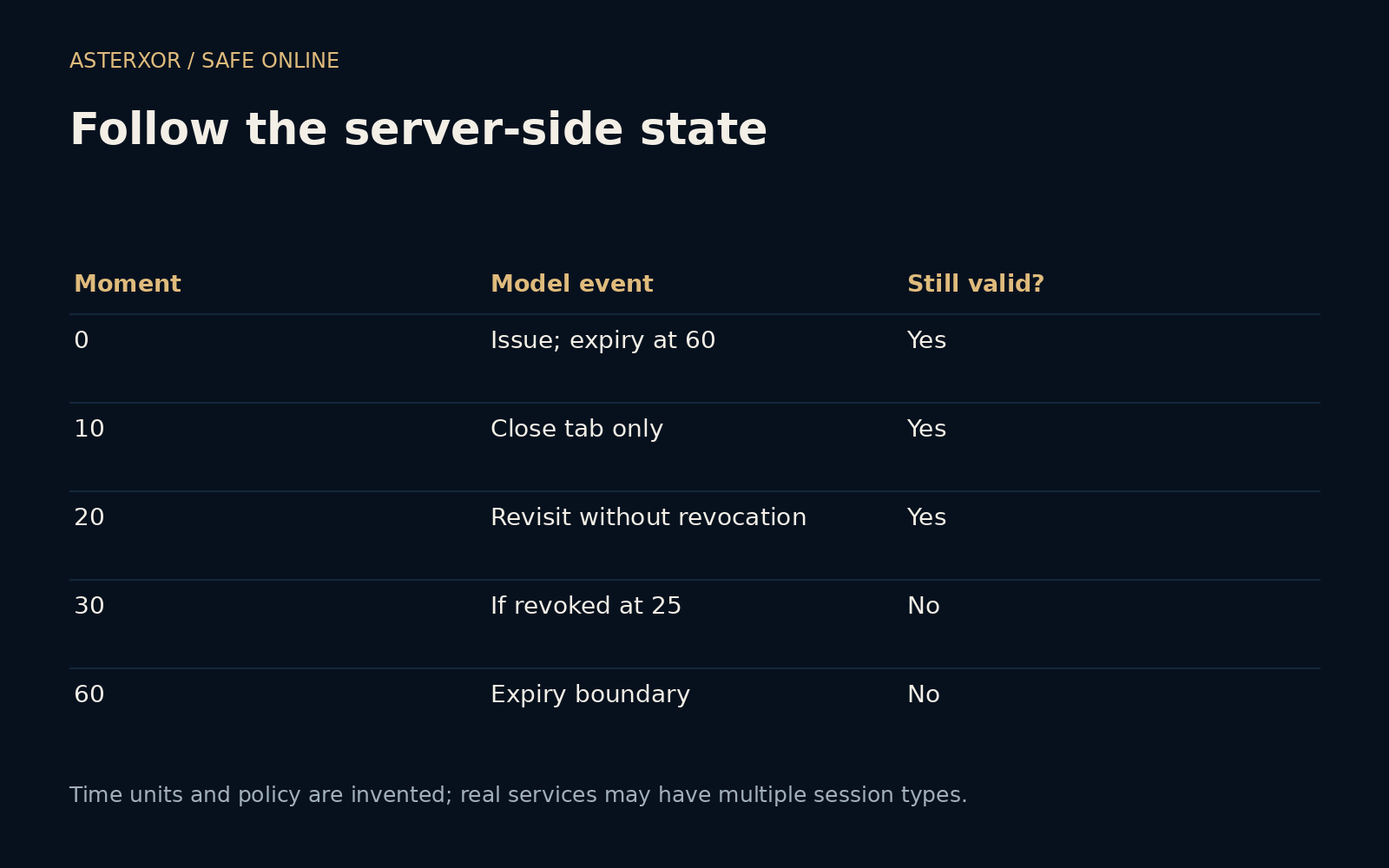
We stipulate a session issued at time zero and expiring at time sixty. Closing a tab at ten does not change the model’s server state, so a request at twenty remains valid. At sixty, the expiry boundary makes it invalid. In a separate branch, explicit revocation at twenty-five makes a request at thirty invalid even though the original expiry has not arrived.
Five assertions check these boundary conditions, including a request before revocation and one well after expiry. The outcomes follow the policy we defined. They are not observations of a browser, cookie store or website. Real systems can combine several credentials with different lifetimes, so a single Boolean function is only a teaching device for separating the events.
Sign out is a request to the service
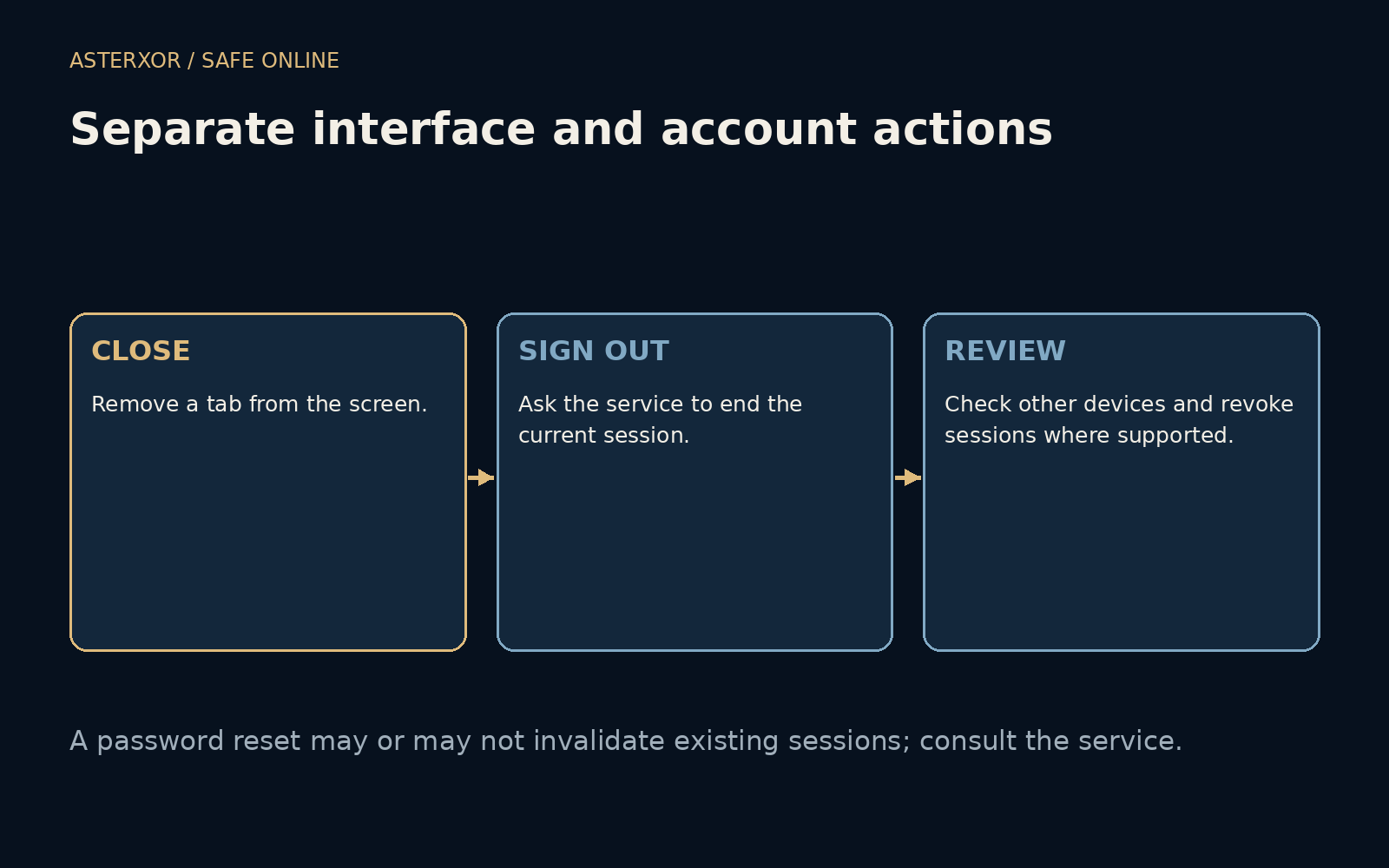
A service’s sign-out action usually coordinates local cleanup and some form of session termination, but its exact scope varies. “Sign out here” and “sign out of all devices” may be different controls. Some systems also maintain separate app sessions or connected authorizations. Read the service’s explanation instead of assuming one button invalidates everything everywhere immediately.
Changing a password can be important after exposure, but it does not universally end every existing session. Review the account’s device and session controls when relevant. If an unfamiliar session appears, use an independently reached genuine service to investigate and revoke it where supported. Do not assume that clearing a local browsing history removes access already established elsewhere.
Shared devices need a deliberate finish
On a shared computer, avoid saving credentials unnecessarily and use the service’s explicit sign-out action when finished. Close the relevant private-browsing session if you used one, but do not treat private mode as a guarantee that a service has revoked every authorization. It primarily changes local browsing behavior, and the exact protections depend on the browser and device.
Check that your work has been saved before signing out. If the task involved downloaded files, those may remain on the computer independently of the session. A private window does not automatically erase a document you intentionally saved. Follow the device owner’s rules and remove your own recoverable local material appropriately when you are authorized to do so.
A lost device calls for a broader account review
If a device is lost, use another trusted device to review the account’s available sign-out and security controls. Session revocation, device locking and recovery settings address different parts of the problem. A service may take time to propagate changes or may show limited detail. Follow its official instructions and avoid treating an unfamiliar location label as definitive proof by itself.
For routine use, the practical habit is simple: know where important services expose their session controls, and use a deliberate sign-out on shared devices. You do not need to inspect token internals to understand the boundary. The visible page is where you work; the session is part of what allows that work to continue.
Further reading
OWASP: Session Management Cheat Sheet ↗MDN: Using HTTP cookies ↗Original documentation and useful background.