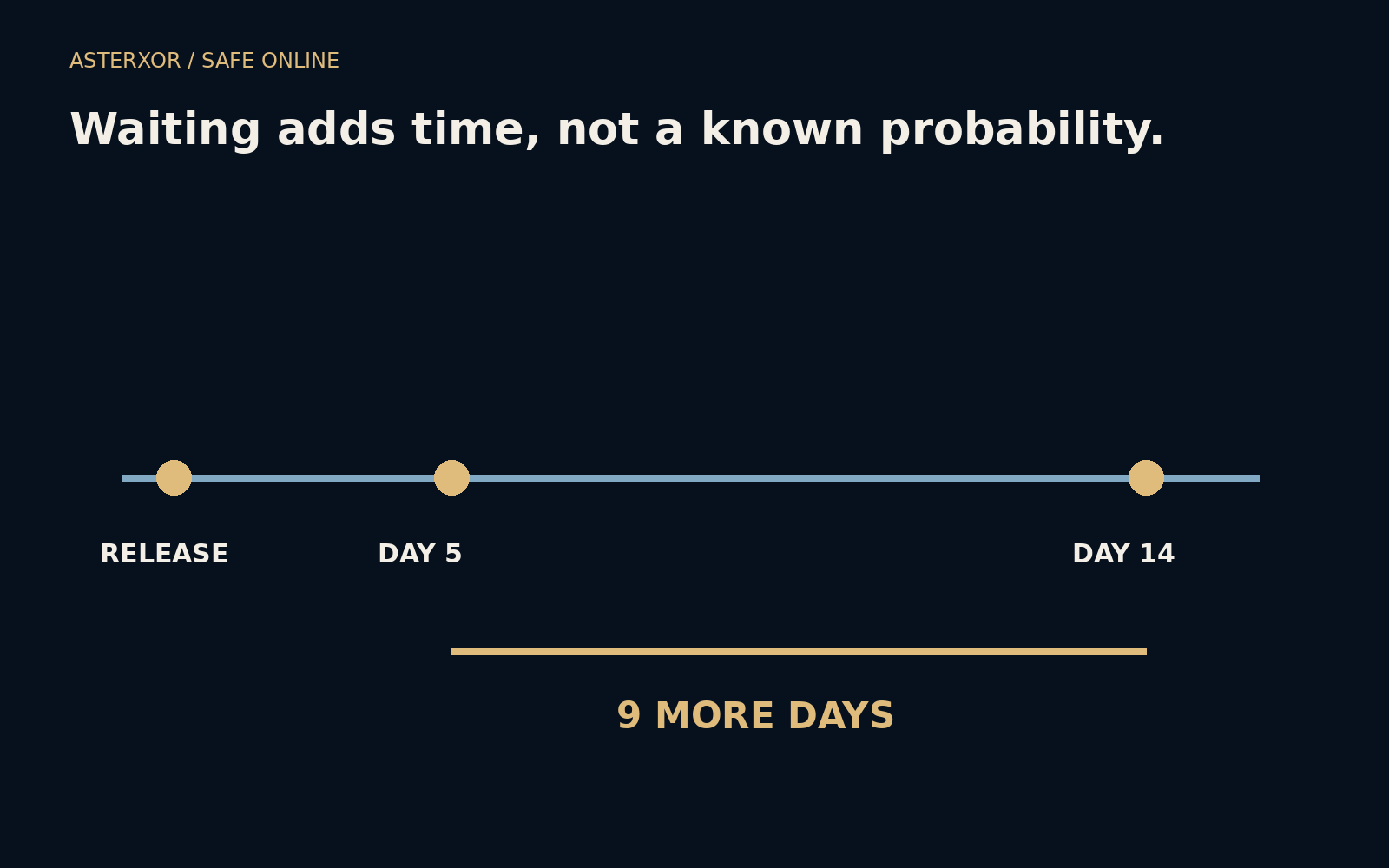
When a fix is available, what does postponing it actually change?
Updates compete with work, battery life, storage space and a reluctance to restart at the wrong moment. Those are real constraints. Security advice becomes more useful when it acknowledges them and still explains the cost of waiting. A simple invented timeline can show that cost in days without pretending to know the probability of an attack on a particular device.
A delay is measurable even when its risk is not.
Separate discovery, availability and installation
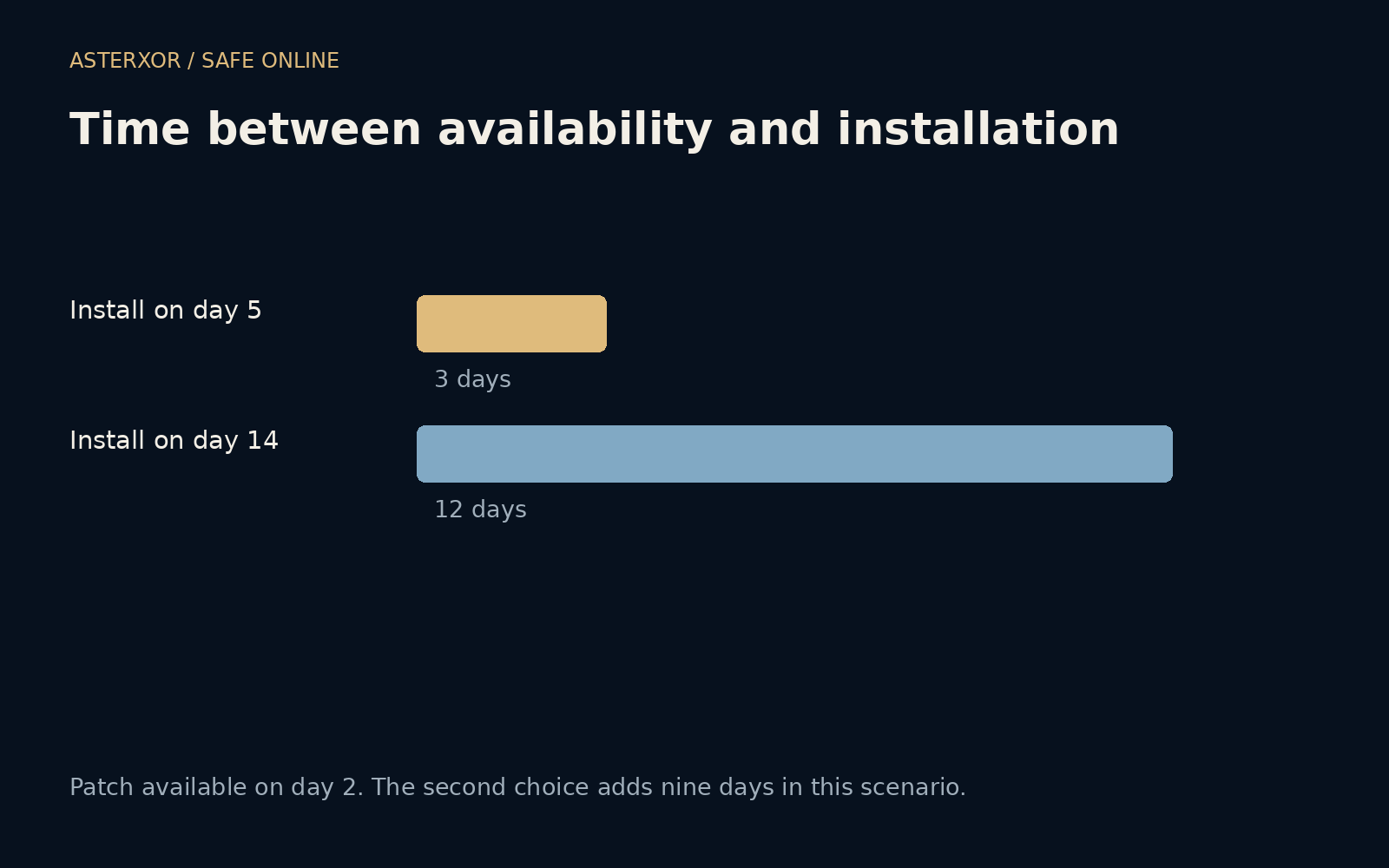
Our fictional issue becomes known on day zero. A patch becomes available on day two. One device installs it on day five; another waits until day fourteen. The interval before a fix exists differs from the interval after it is available. Users cannot install a patch that has not been released, and different supported devices may receive fixes at different times.
The model therefore counts from availability, not from the first announcement. The earlier installation leaves three days under the old version after release; the later one leaves twelve. The second choice adds nine days. Four assertions verify that arithmetic and the distinction between announcement and availability. No real vulnerability, operating system or update package was involved.
Nine extra days is not a risk multiplier
The timeline cannot tell us that the second device is four times more likely to be compromised. That would require information about the flaw, exposure, mitigations, actual exploitation and many other conditions. Some issues matter only when a particular feature is enabled; others affect common behavior. Time is one dimension of exposure, not a complete probability model.
Nevertheless, leaving the old conditions in place longer can preserve an opportunity that the fix was intended to remove. Official severity information and notices about active exploitation can make an update more urgent. Read the vendor’s guidance and applicable organizational advice rather than converting a generic number of days into a confident personal risk estimate.
Prepare enough to make installation practical
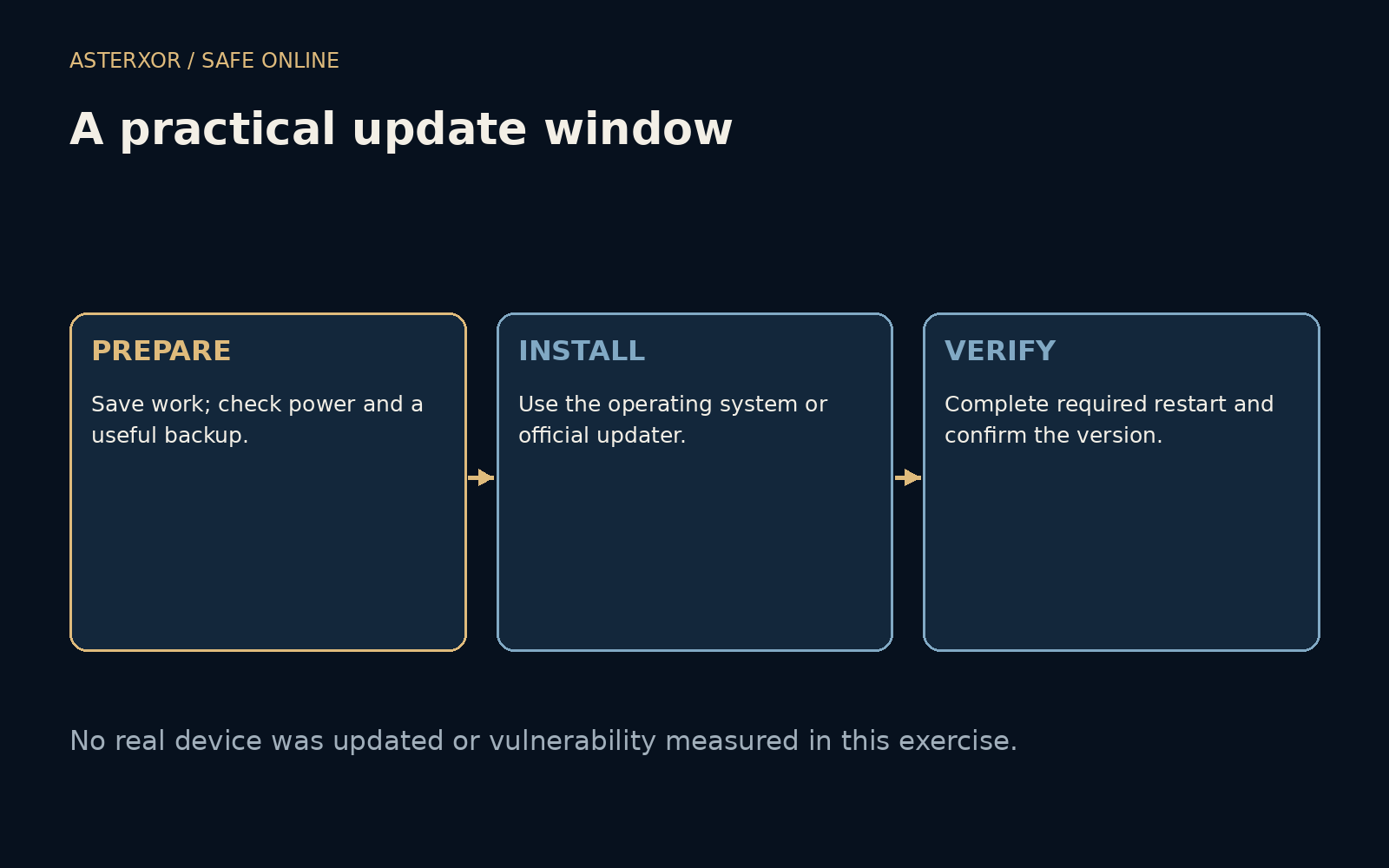
Save current work, connect reliable power where appropriate and make sure important data has a usable backup. Check storage requirements and plan for a restart if the update needs one. A small amount of preparation can reduce the temptation to keep dismissing the same prompt because the first attempt would interrupt something important.
Use the operating system’s update facility, the application’s genuine updater or a verified official source. A webpage claiming that a browser or security tool is outdated is not automatically an authorized update channel. If a message unexpectedly asks you to install something, navigate independently to the product’s normal update controls rather than treating the message itself as proof.
Installed can have a finishing step
Some updates need a restart, application relaunch or other completion step before the new code is in use. A downloaded package is therefore not necessarily an applied fix. Follow the product’s instructions and confirm the reported version or update status afterward. Our exercise does not provide a menu path because those interfaces vary between products and releases.
Automatic updates can reduce routine delay where appropriate, but they still depend on device availability, policy and successful completion. On managed equipment, coordinate with the responsible team instead of bypassing its process. If an update fails, capture the ordinary error information and consult official support. Repeatedly dismissing the failure should not silently become the long-term maintenance plan.
A supported device has a path to future fixes
Software that no longer receives security fixes creates a different problem from a temporary postponement. Check the vendor’s support status and consider a supported alternative or replacement when necessary. This does not imply that every older device is immediately compromised. It means the available route for addressing newly discovered problems may be narrowing or absent.
A useful habit is to choose a regular low-disruption window while allowing urgent vendor guidance to override that routine. Keep the plan simple enough to follow: save, update, restart when required and check completion. The calculation supplies no dramatic forecast. It simply makes visible that every repeated later leaves the old state in place for another stretch of time.
Further reading
CISA: Update software ↗NIST: Enterprise patch management planning ↗Original documentation and useful background.